
Choosing a JoyaGoo bag for what you carry
Compare usable space, not the size of the photo
Begin a JoyaGoo backpack or bag search by listing what must fit: your device, charger, notebook or other daily essentials. Record the bag’s stated width, height and depth, and ask about the main opening and internal compartment. Exterior dimensions alone do not describe every obstruction inside a bag.
If you need a device sleeve, compare the device’s actual outside dimensions with the sleeve information, rather than relying only on a screen-size label. A wide body can still have a narrow opening. Keep any missing measurement as an unanswered question instead of assuming the item will fit.
Check the carry method and access
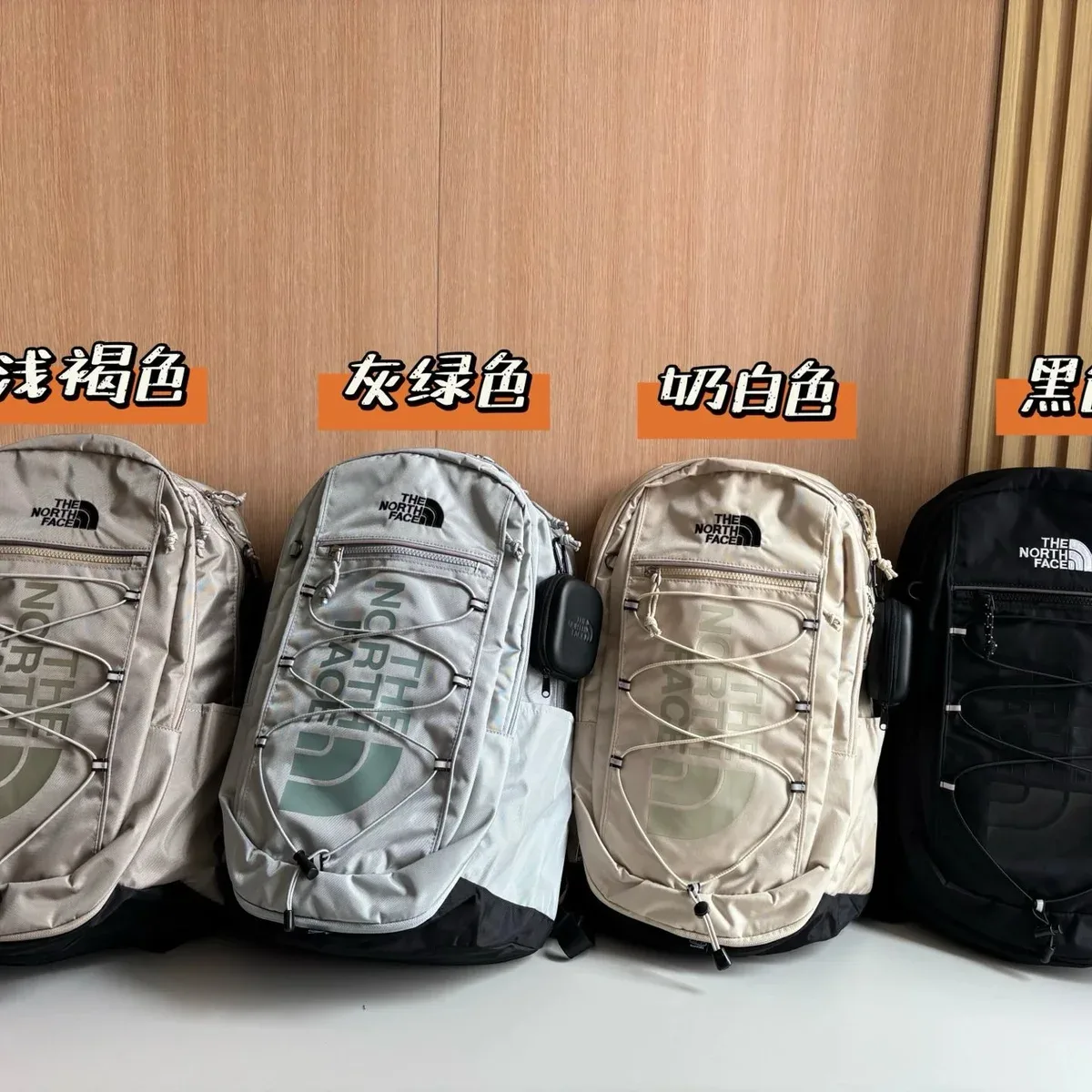
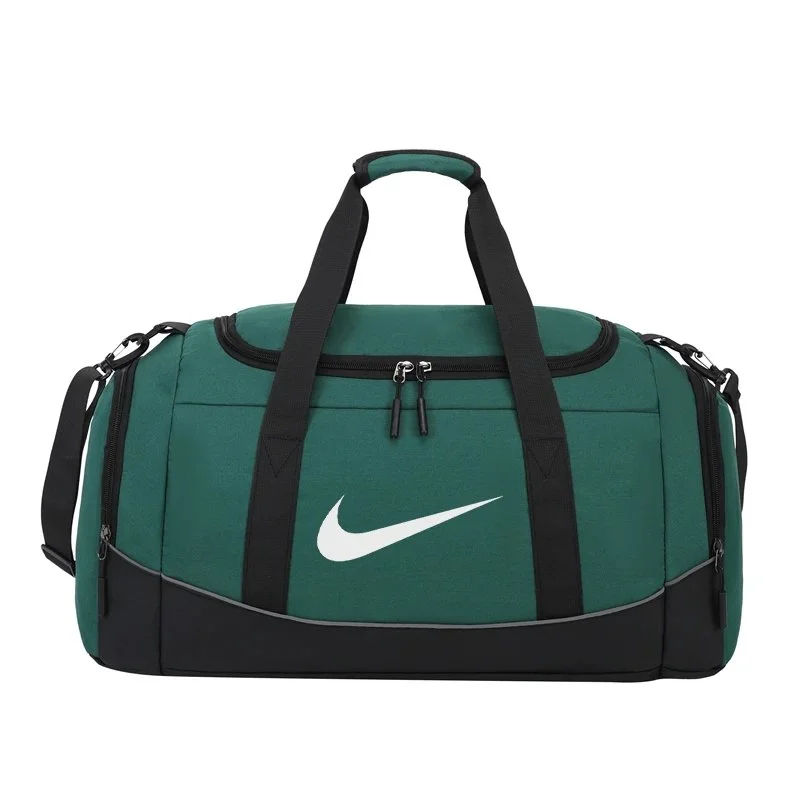
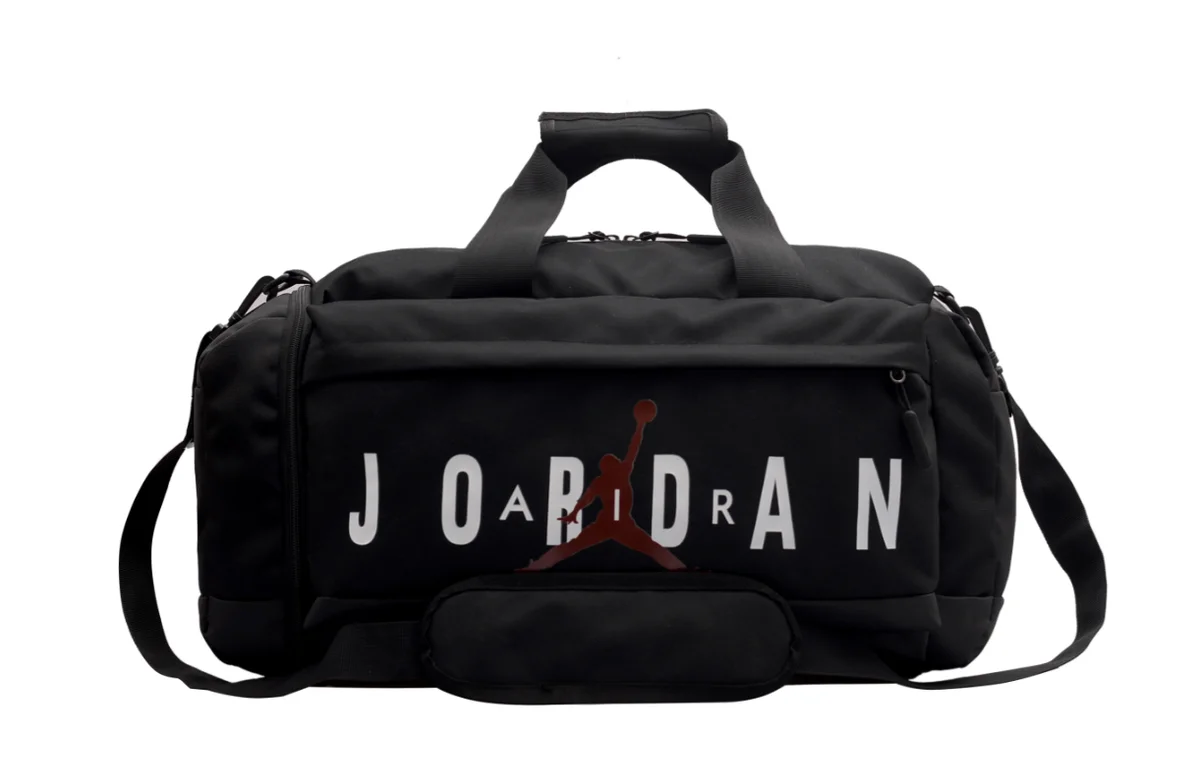
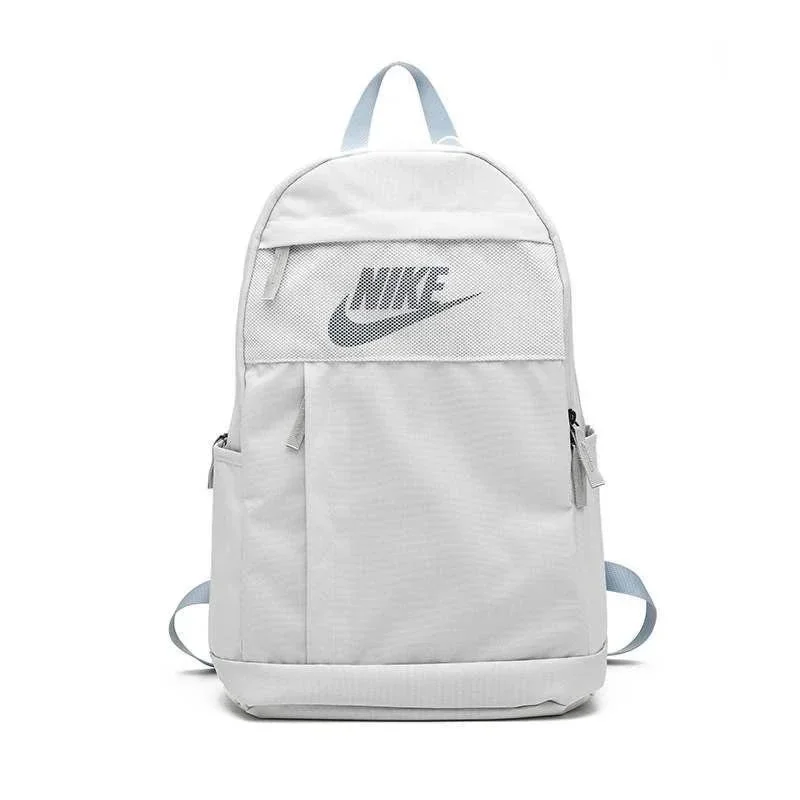
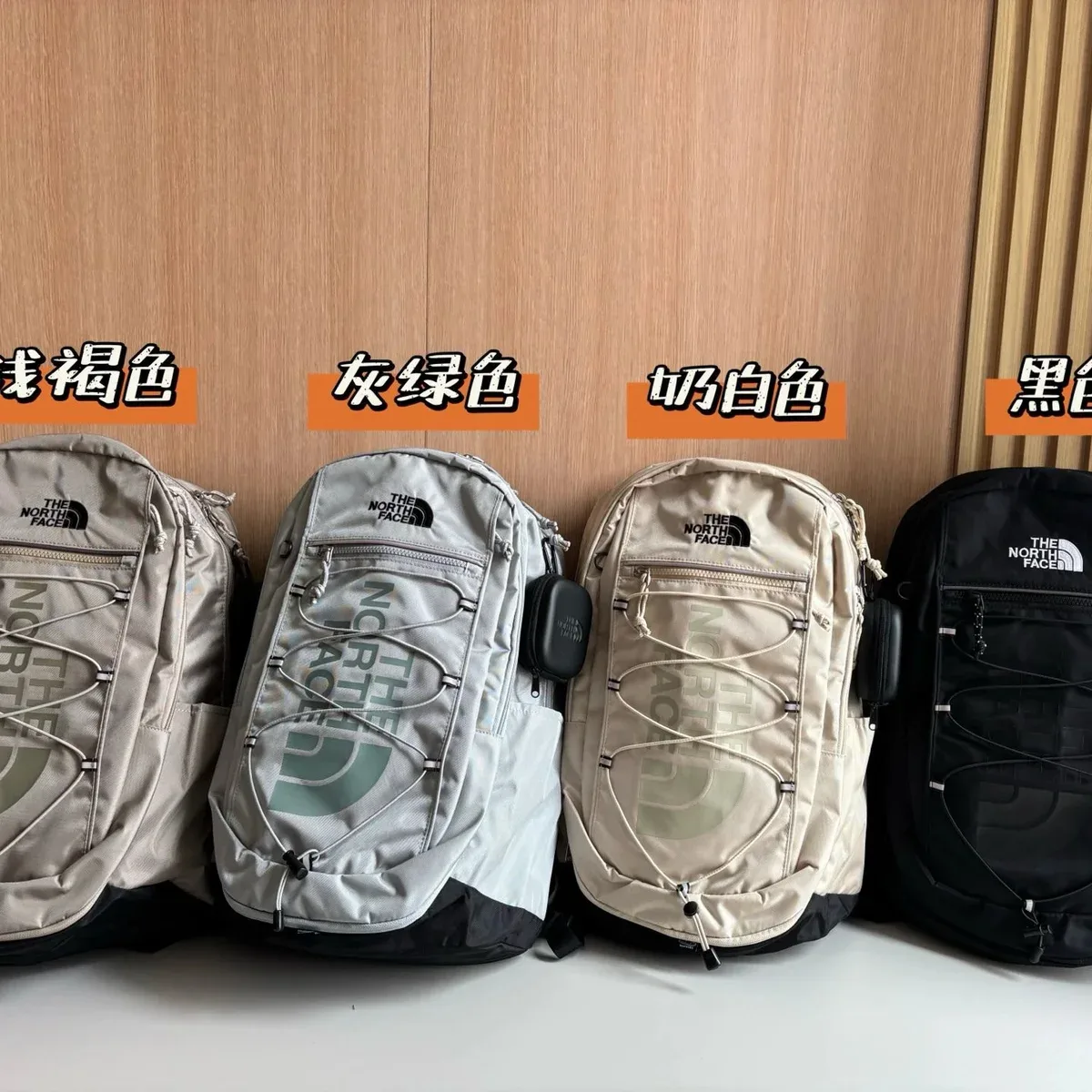
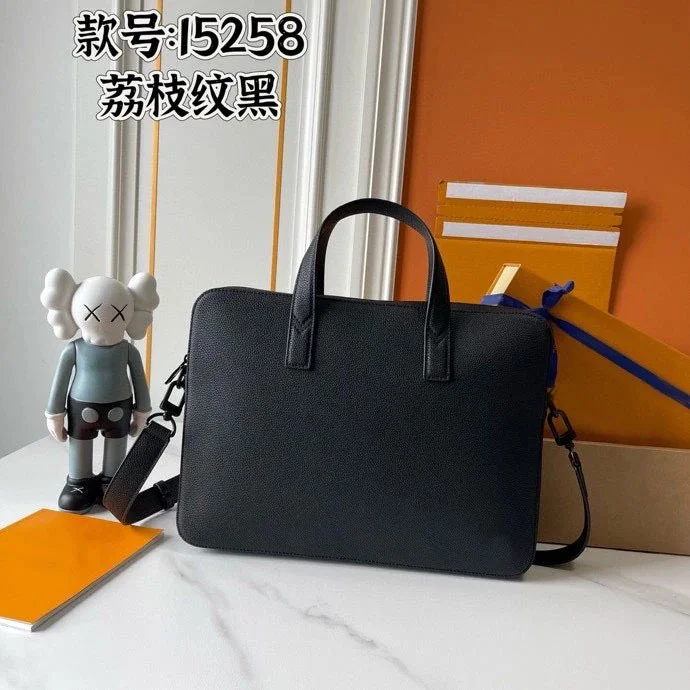
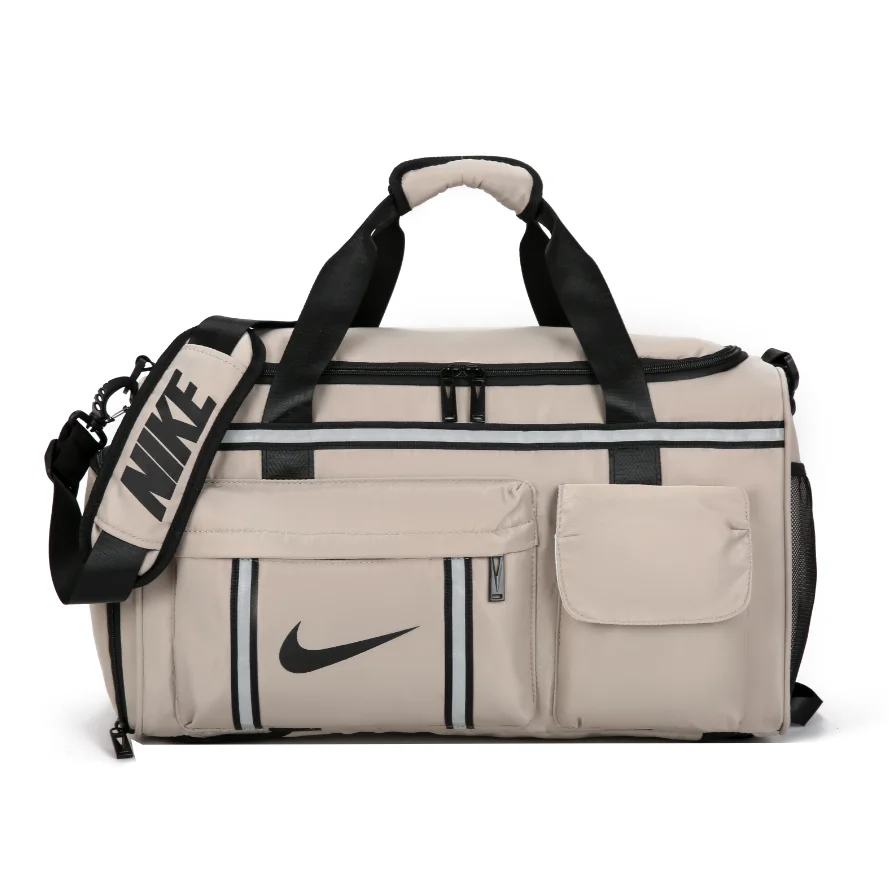
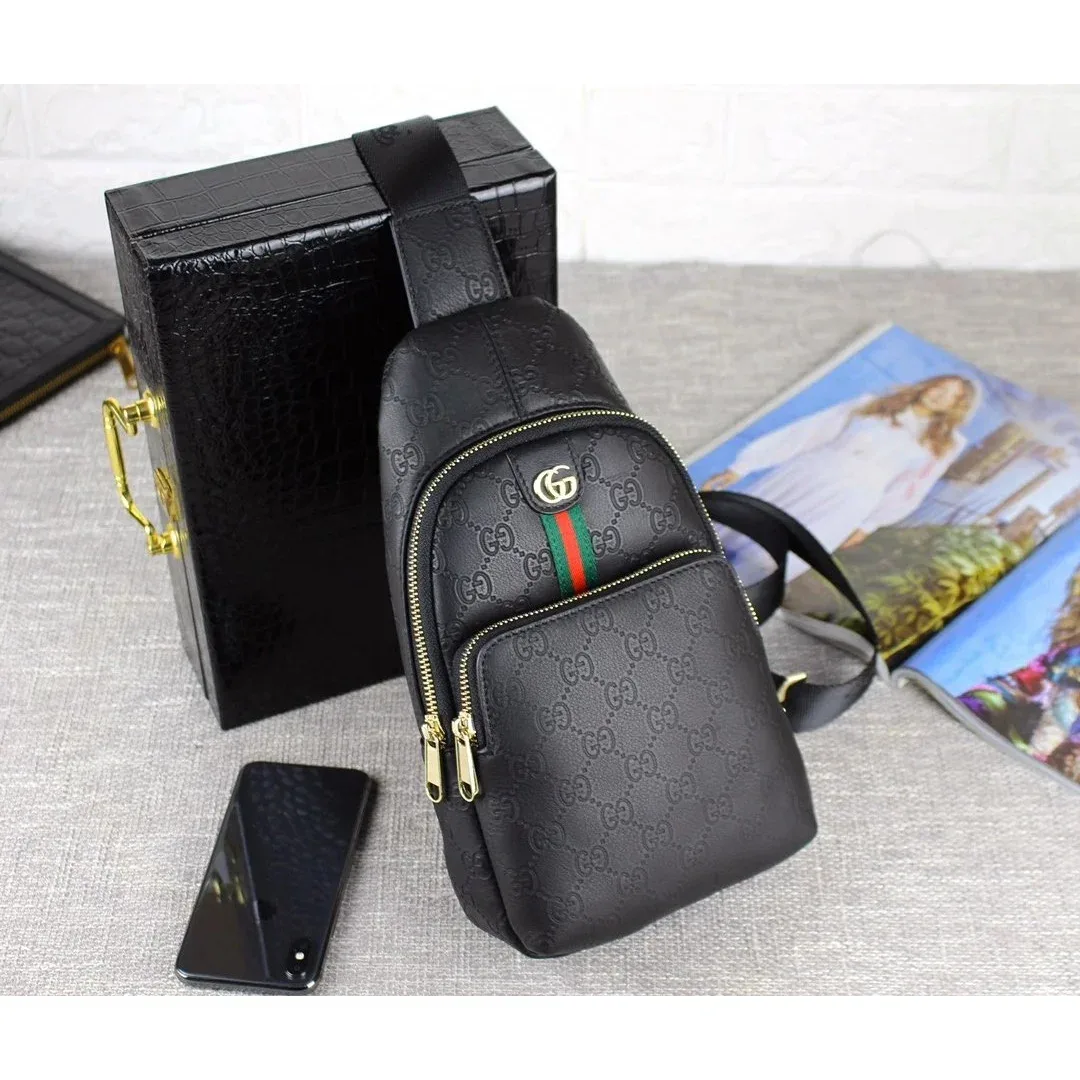
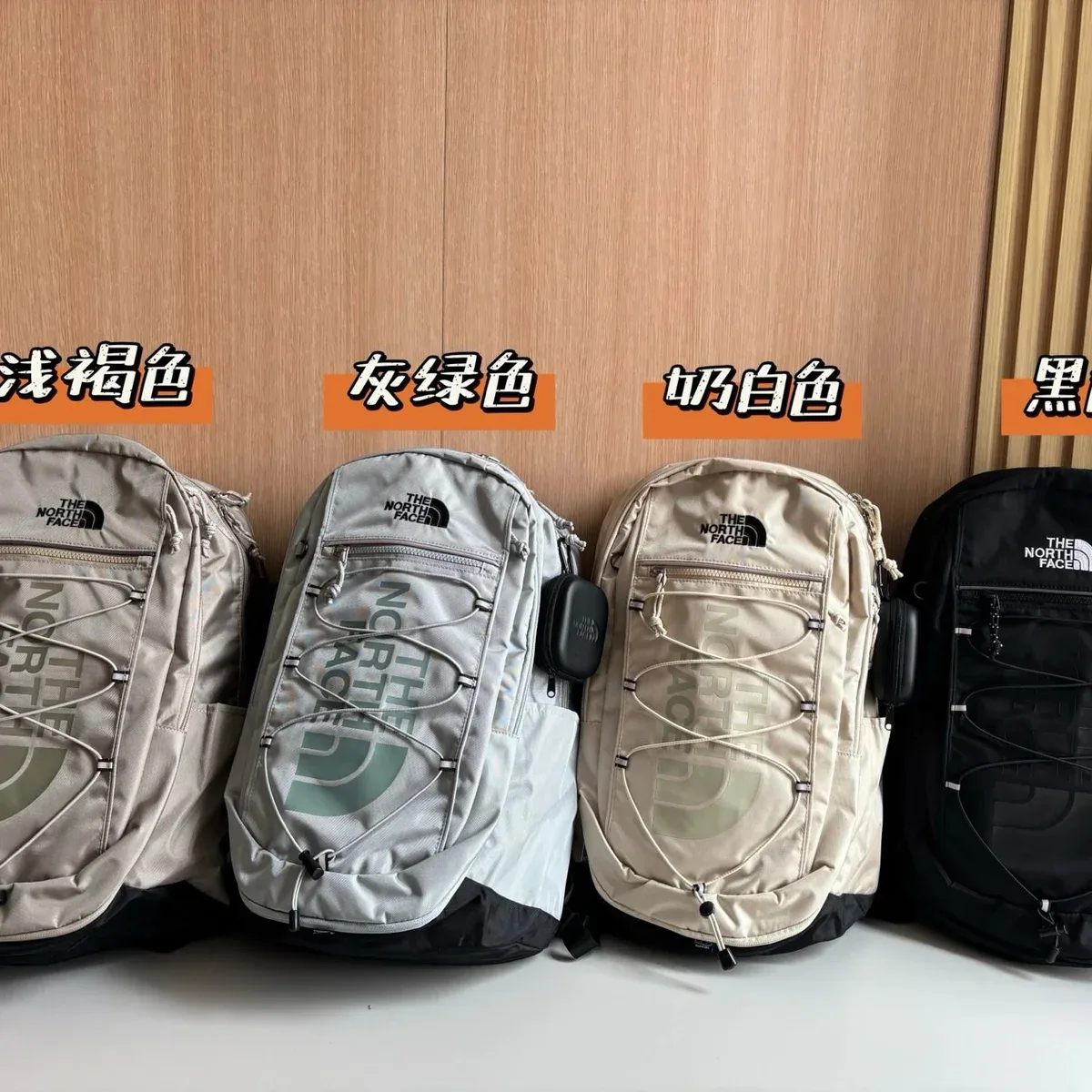
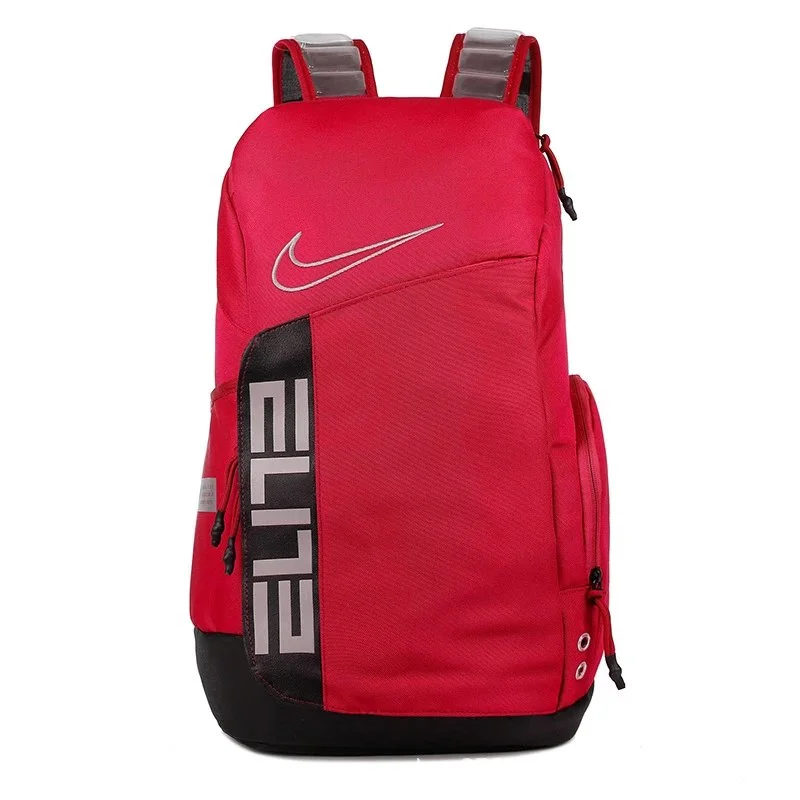
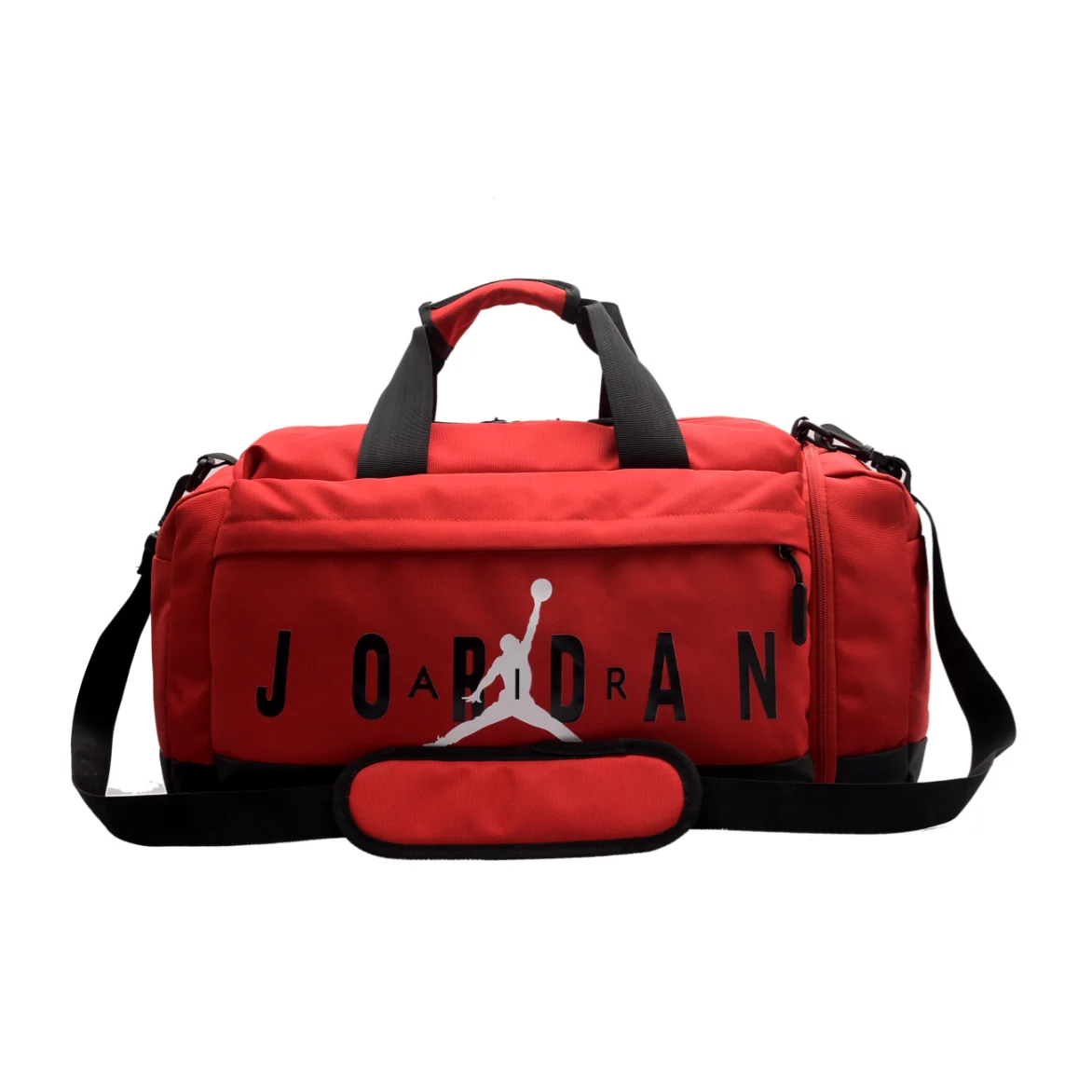
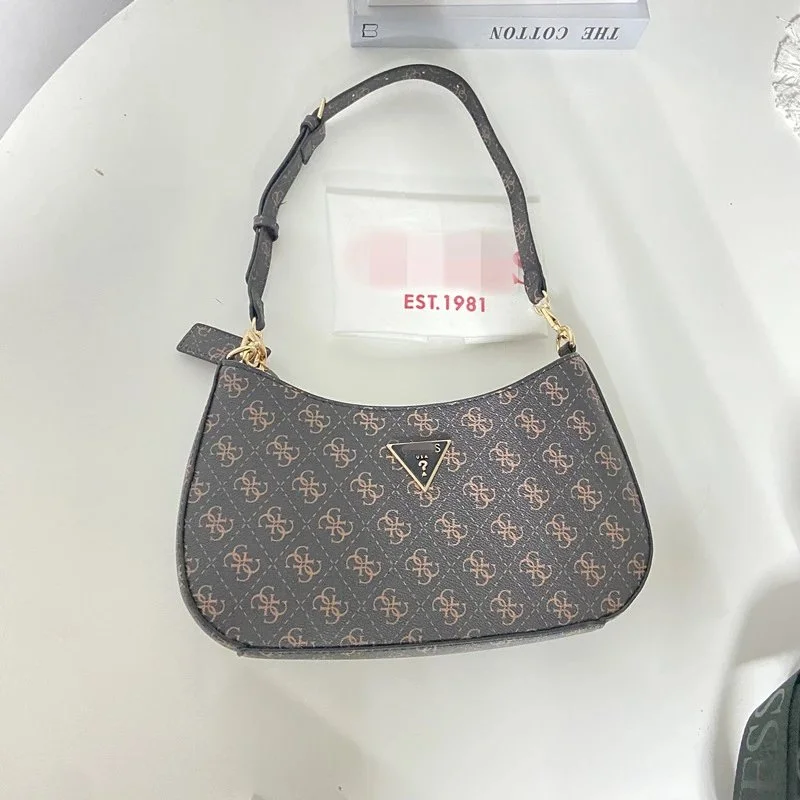
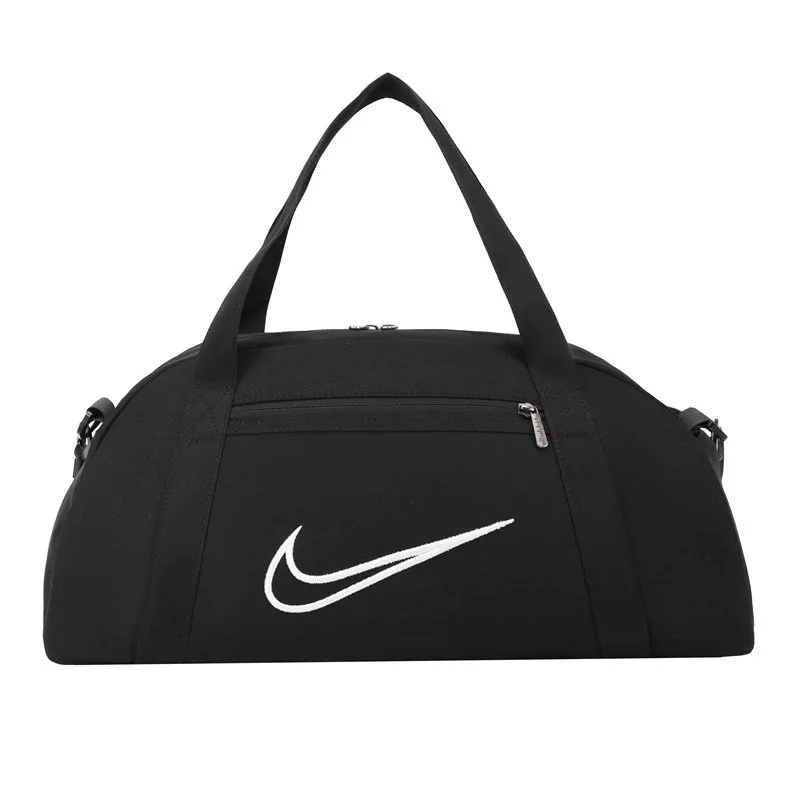
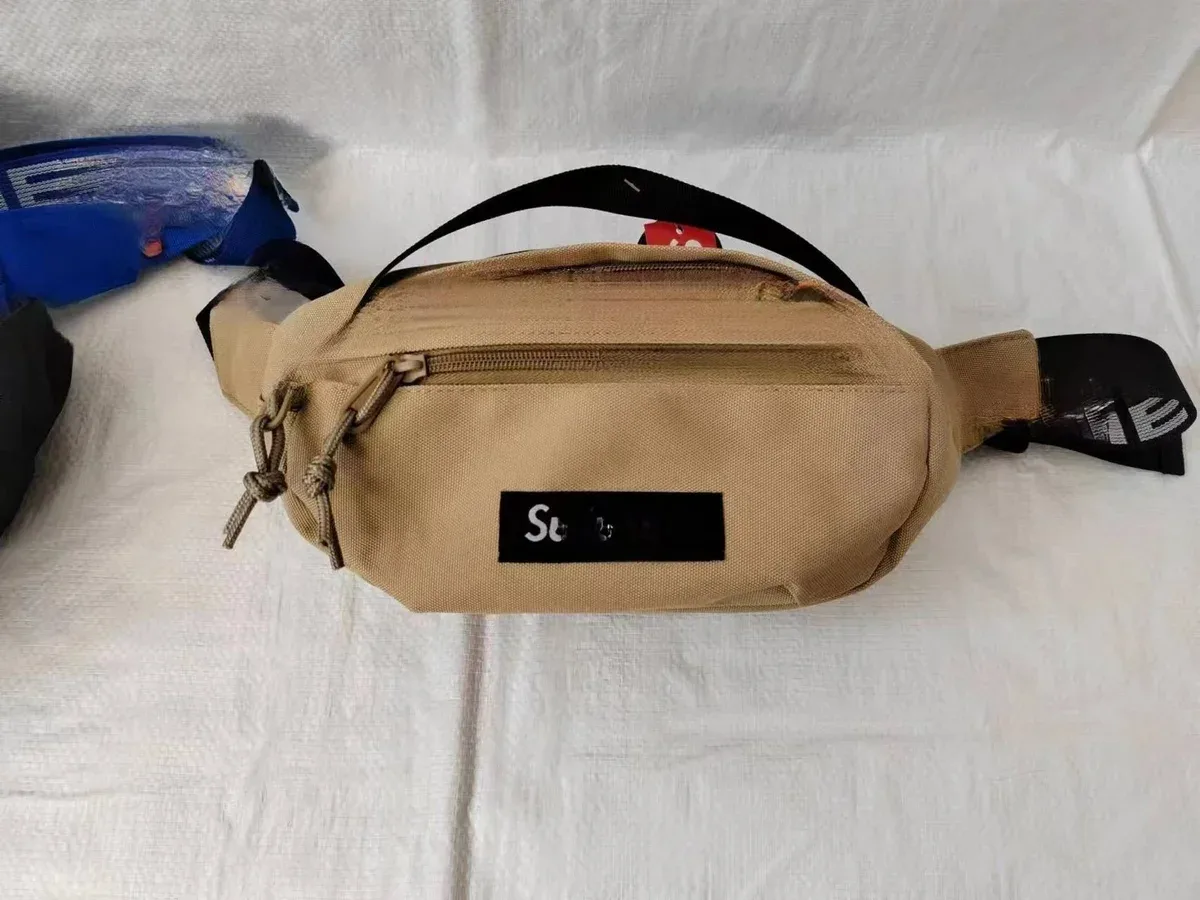
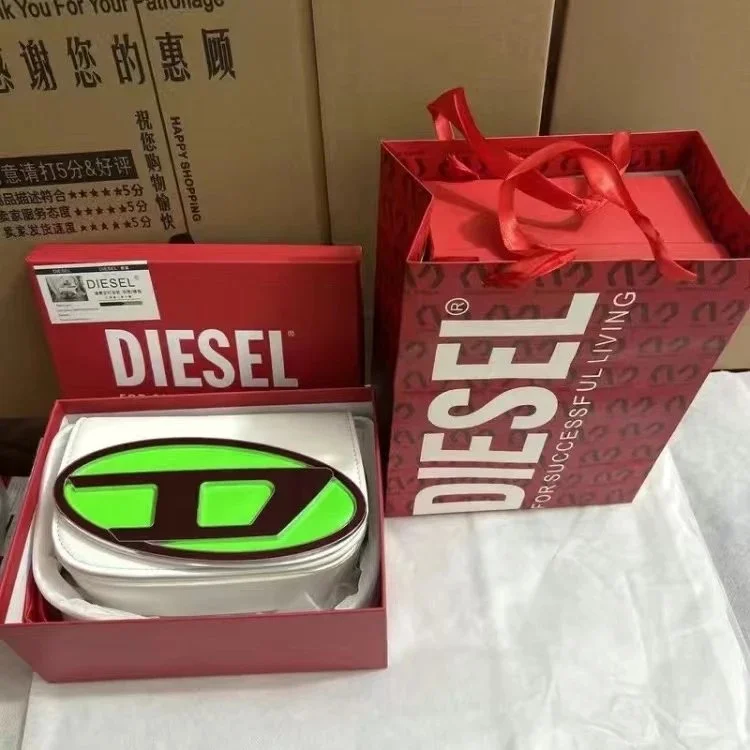
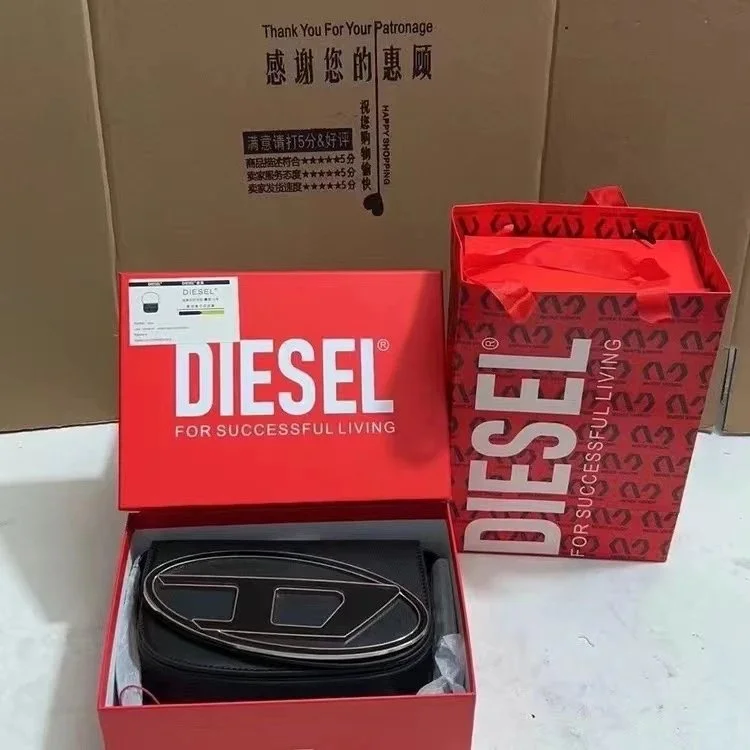
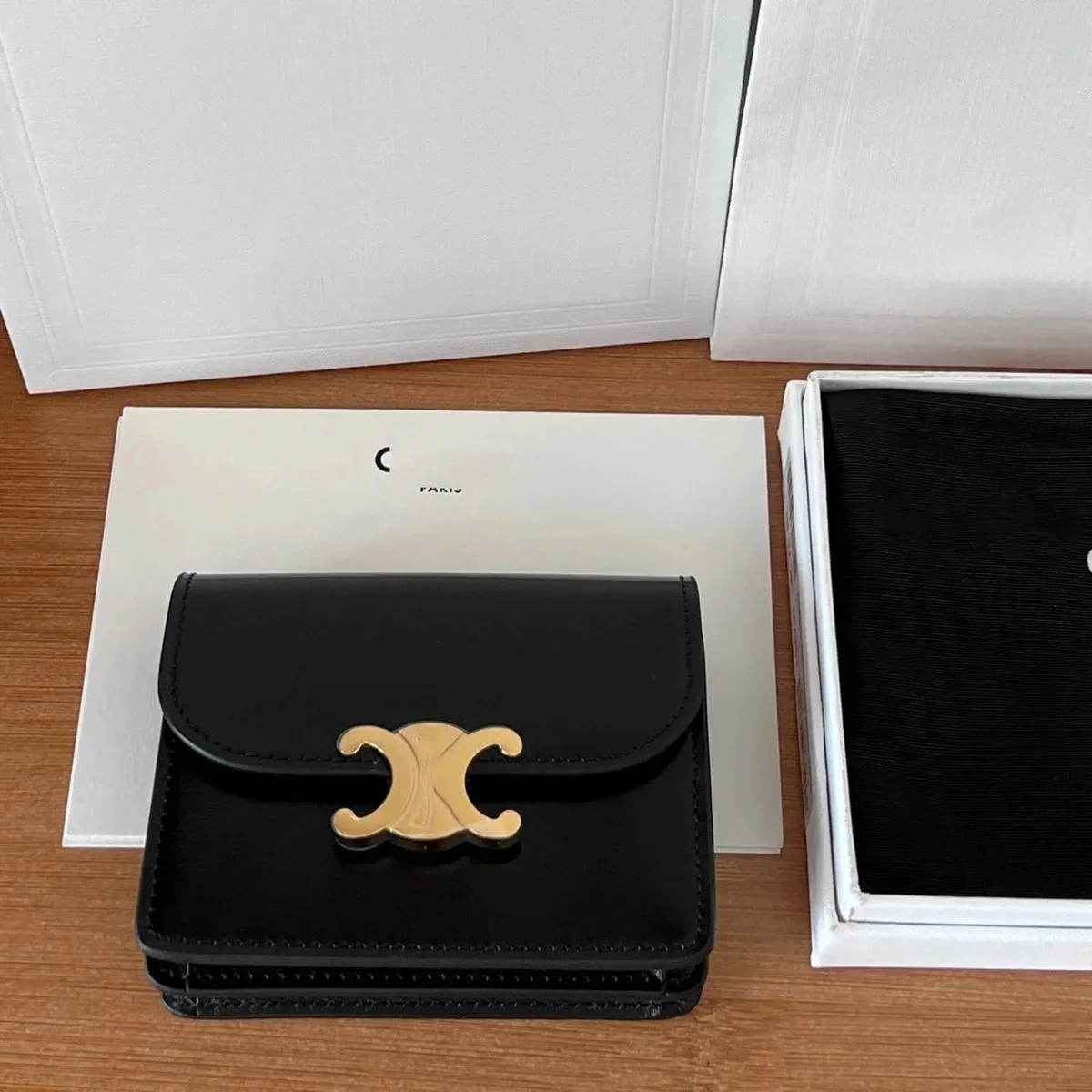
The gallery includes a compact Pochette-style shoulder bag, outdoor-style backpacks and sports duffels. Compare how each opens and how you expect to carry it. Record whether straps are fixed, adjustable or removable when the listing provides that information.
For a crossbody candidate, ask for the strap’s usable length range and how it was measured. For a duffel, look at the handles, access to the main compartment and separate pockets. Photos can show a layout, but they do not establish carrying comfort or a tested load rating.
Review compartments, closures and small items
Use close-up views to record the closure, lining, strap attachment and pocket arrangement relevant to your choice. Wallets and compact carry items need their own check: the number of slots, the fold and the opening may matter more than overall volume.
Save the chosen colour and the product option with those notes. If you later receive warehouse photos, compare them against the same views rather than against a similar bag from another listing. This page does not verify leather composition, waterproofing or branded authenticity.