
How to compare JoyaGoo T-shirts and hoodies
Compare the garment you will actually wear
Start with the seller’s measurements for the chosen size: chest, body length, shoulder and sleeve length where supplied. Confirm whether the chest figure is a flat width or a circumference. A letter size on one T-shirt is not a measurement standard you can apply to every hoodie or sweatshirt.
Measure a top you already like using the same method, then compare the figures rather than the label alone. Decide whether you want a similar outline or more room. An oversized title or a loose-looking model photograph does not establish the dimensions of your selected option.
Choose between a tee, a sweatshirt and a hoodie
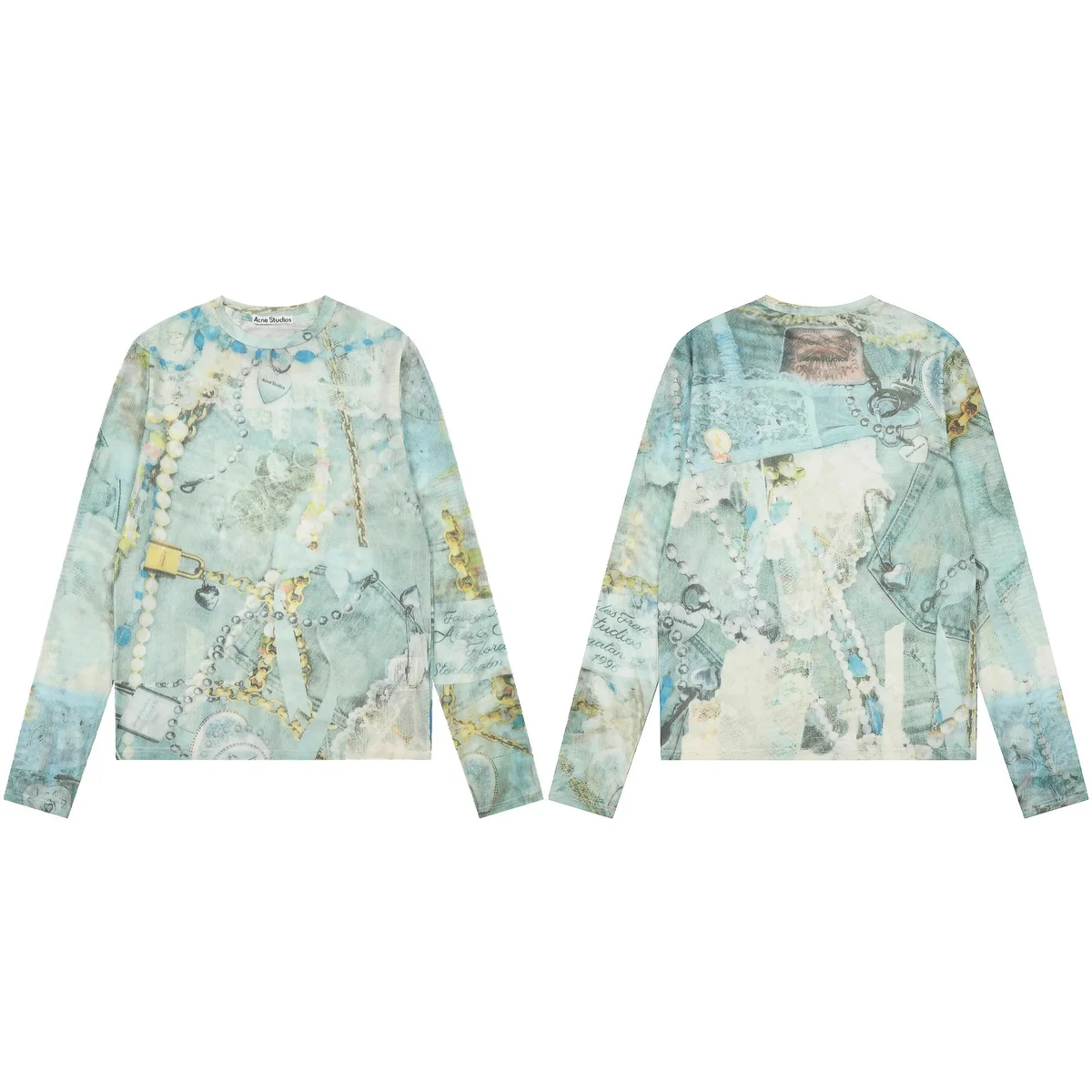
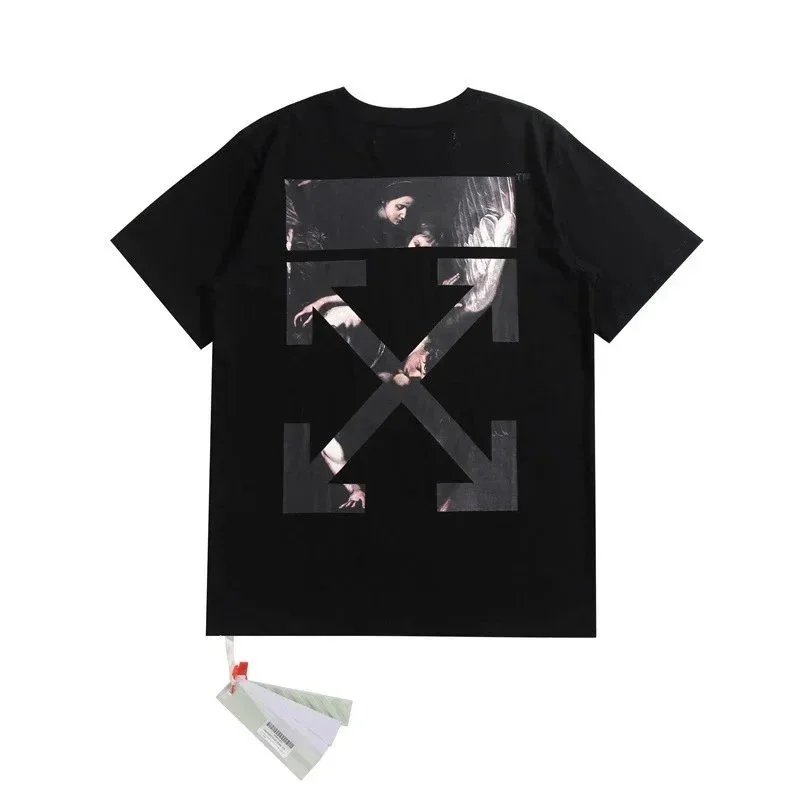
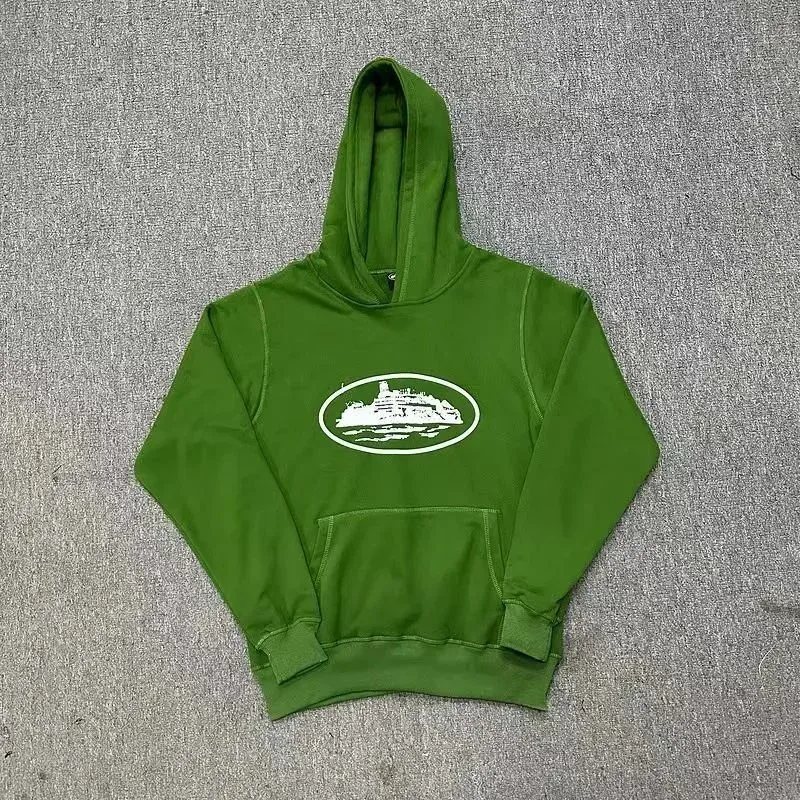
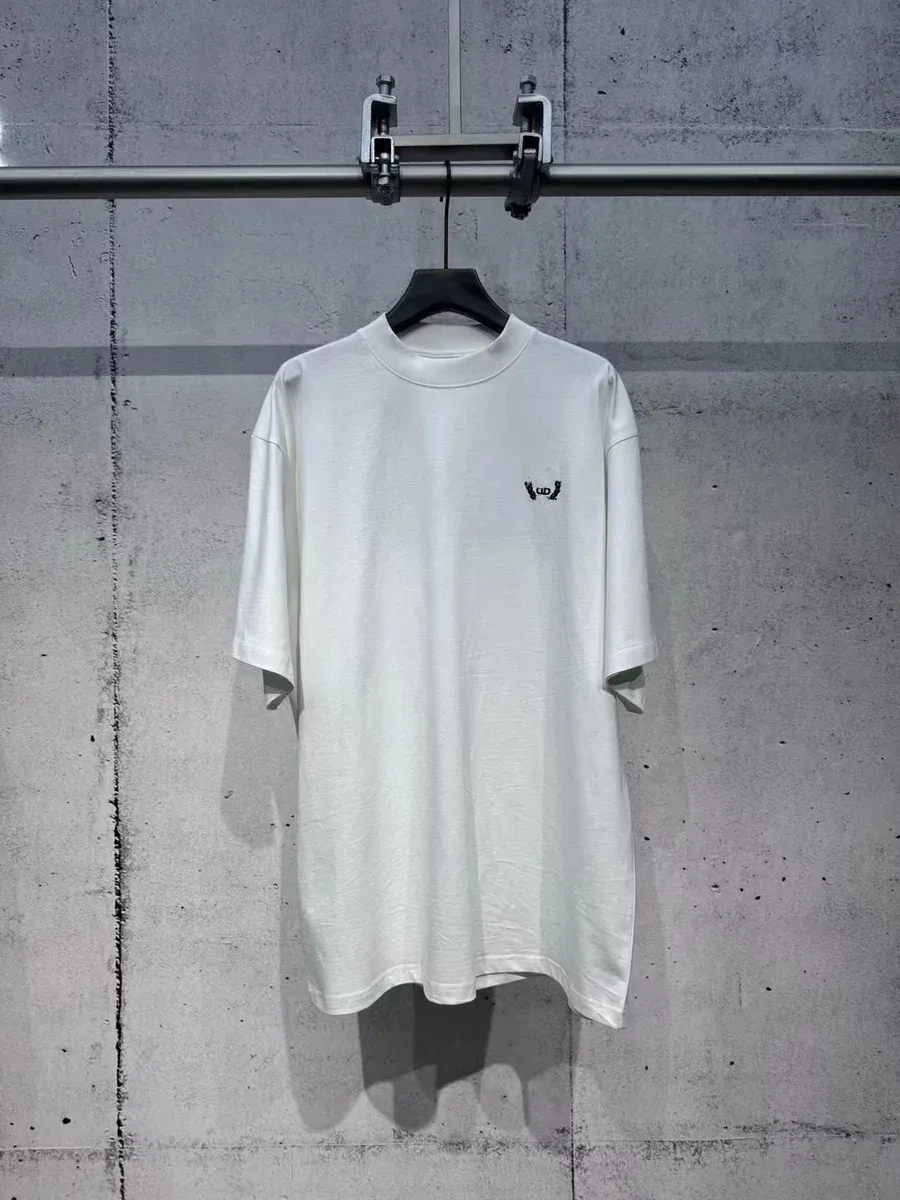
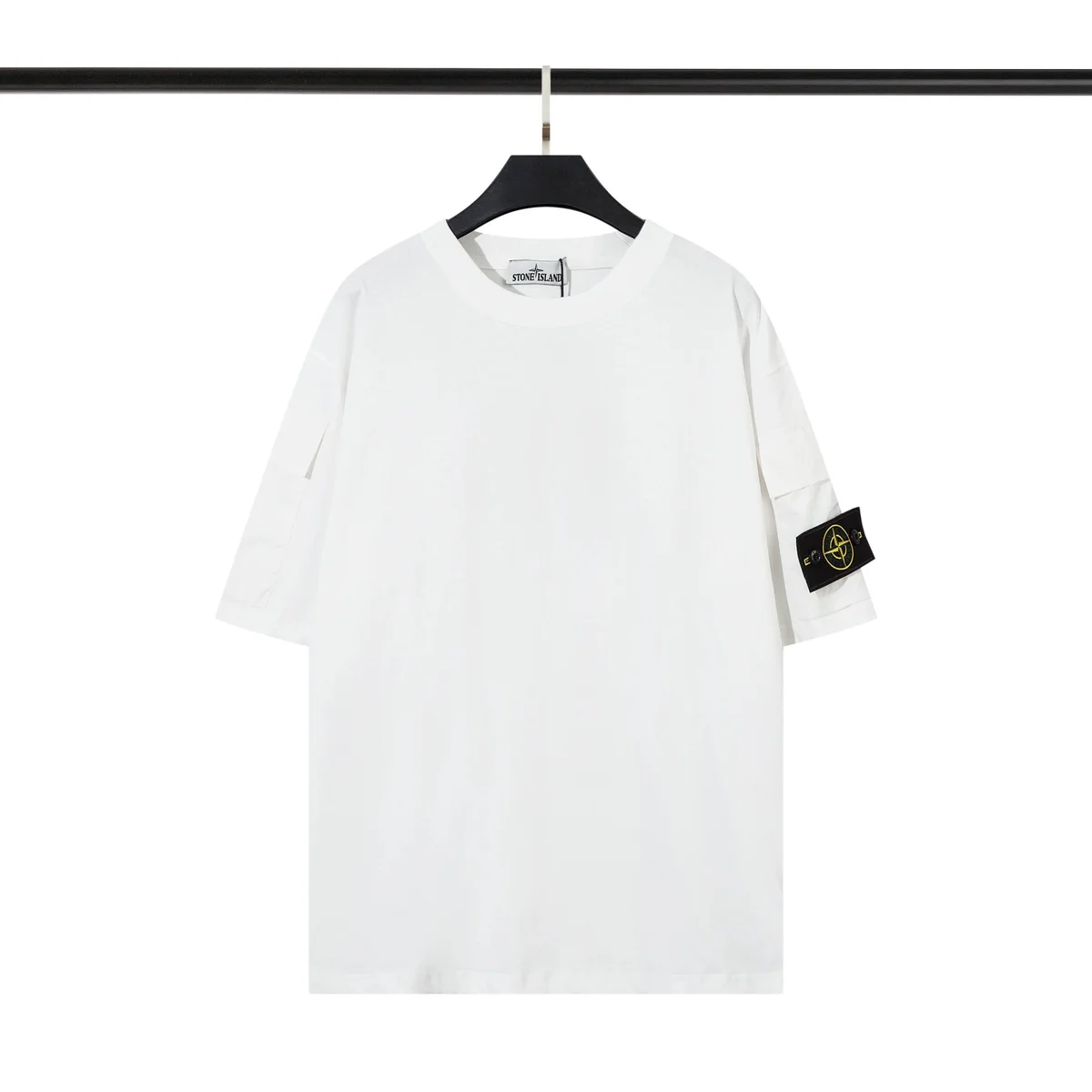
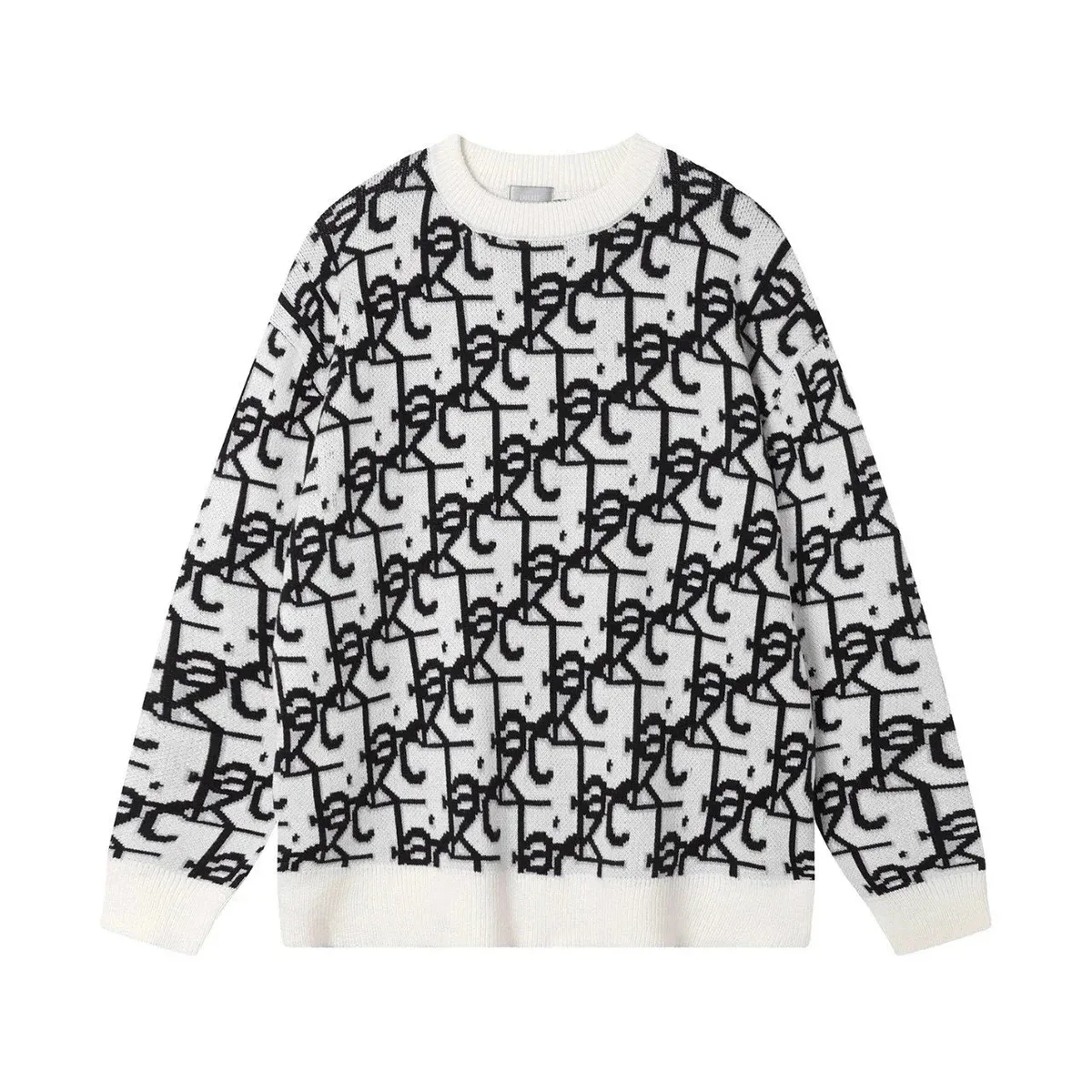
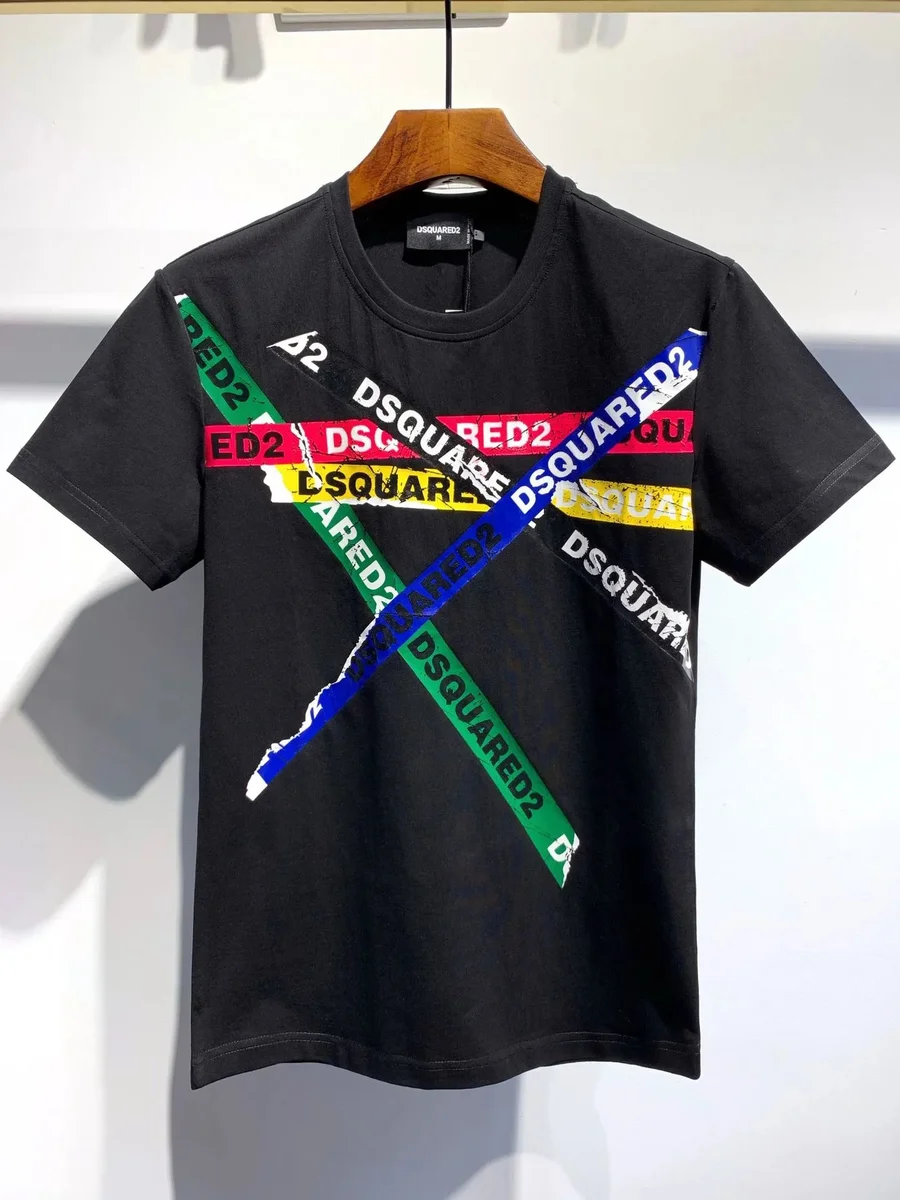
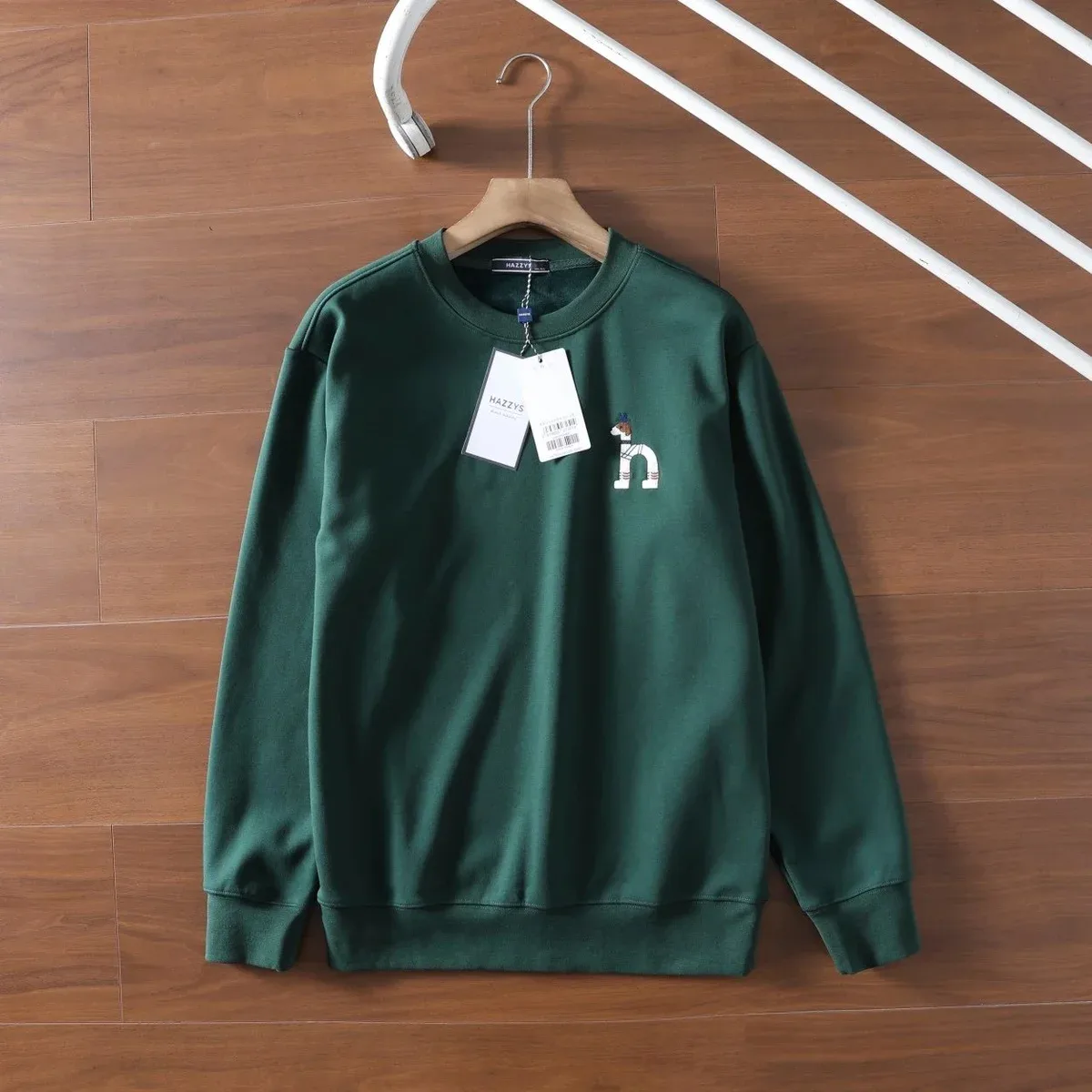
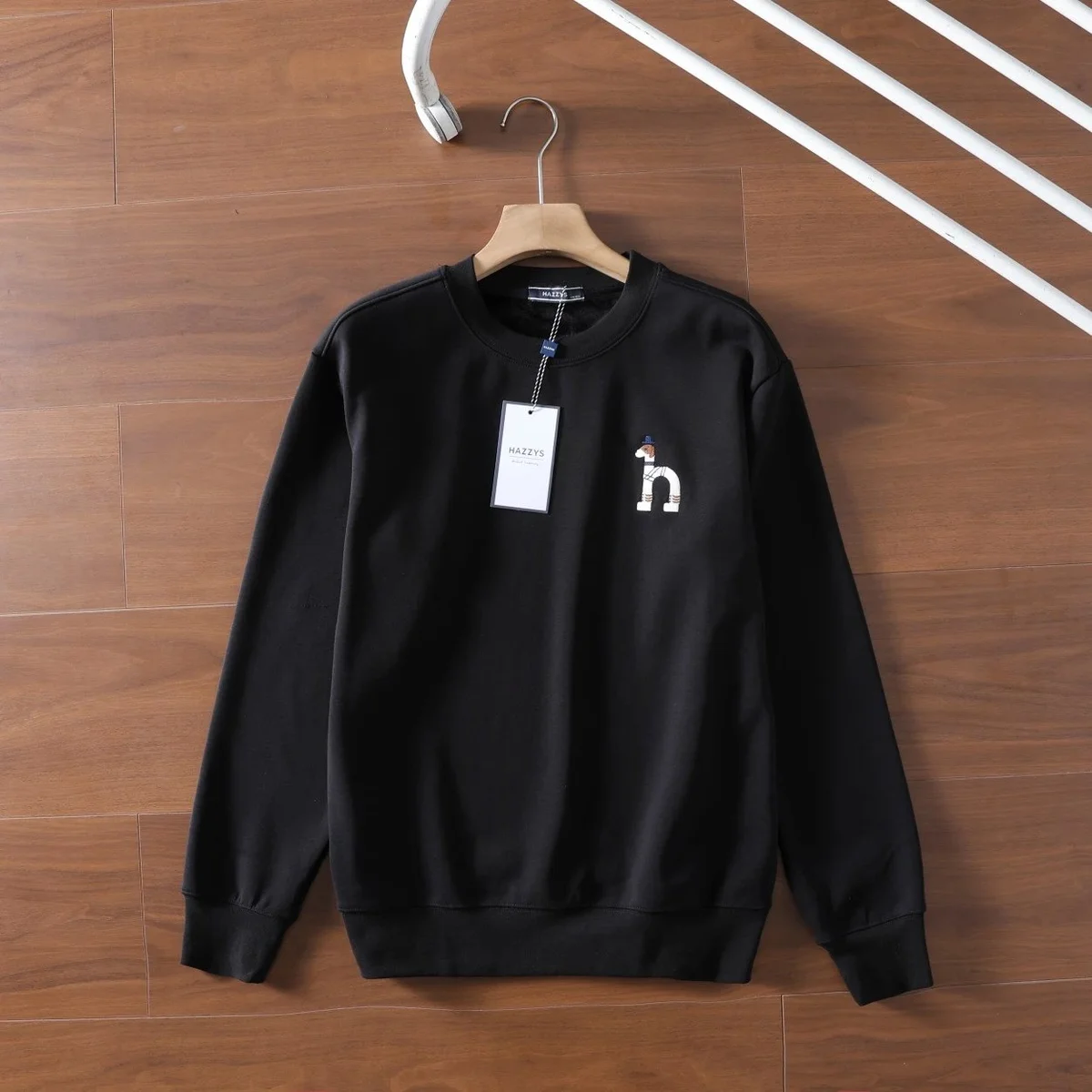
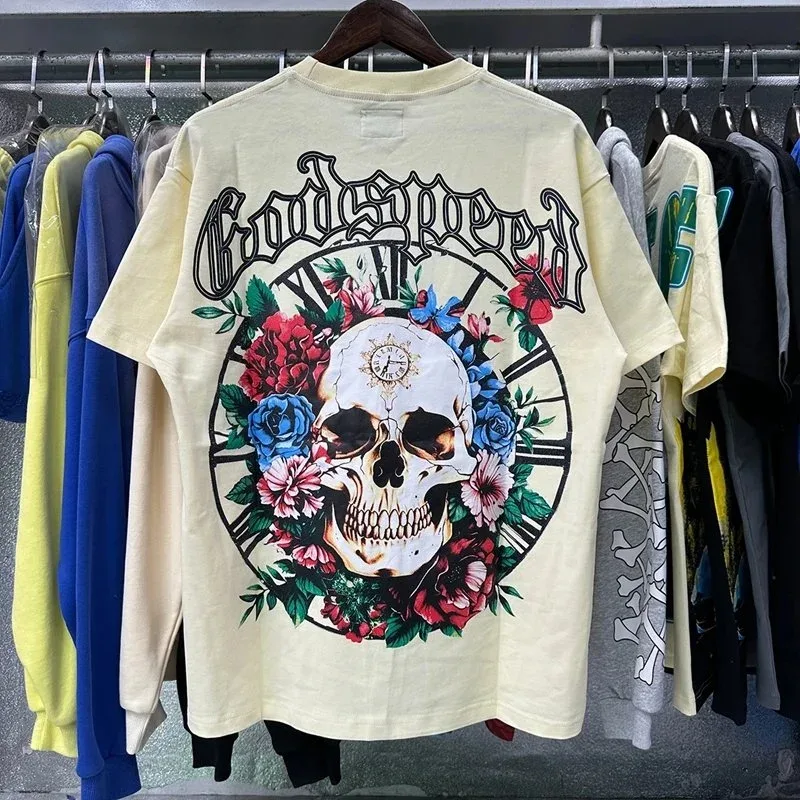
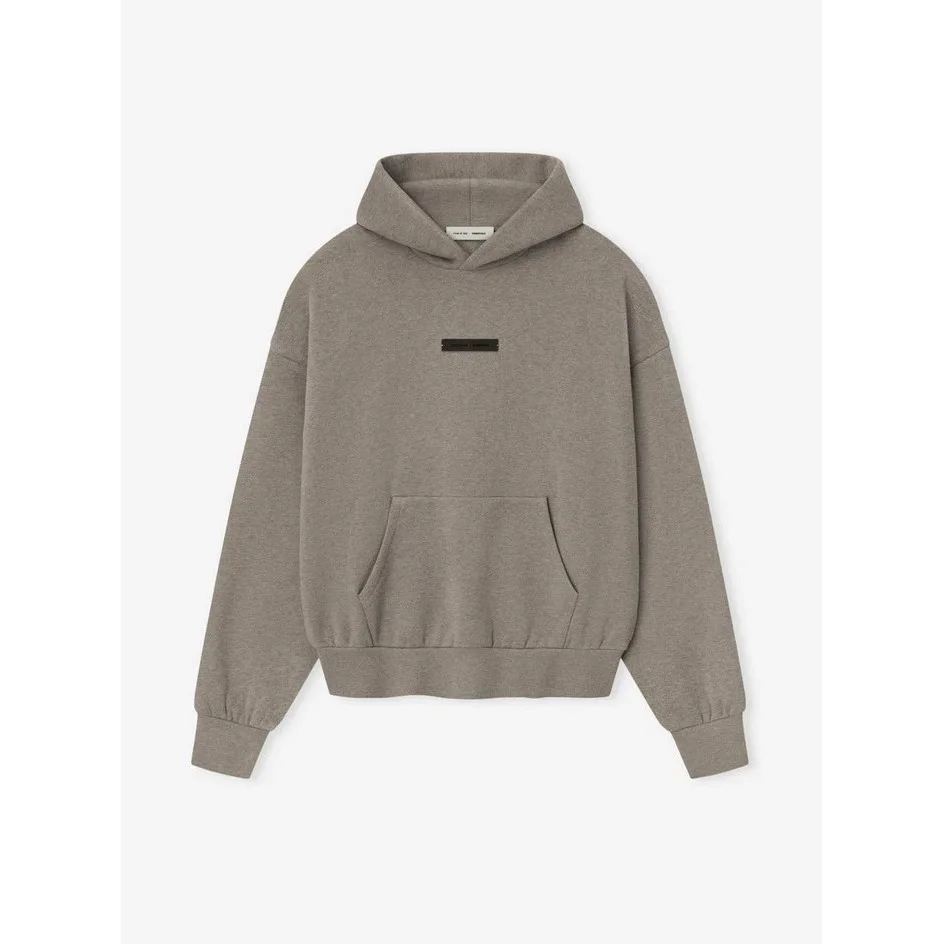
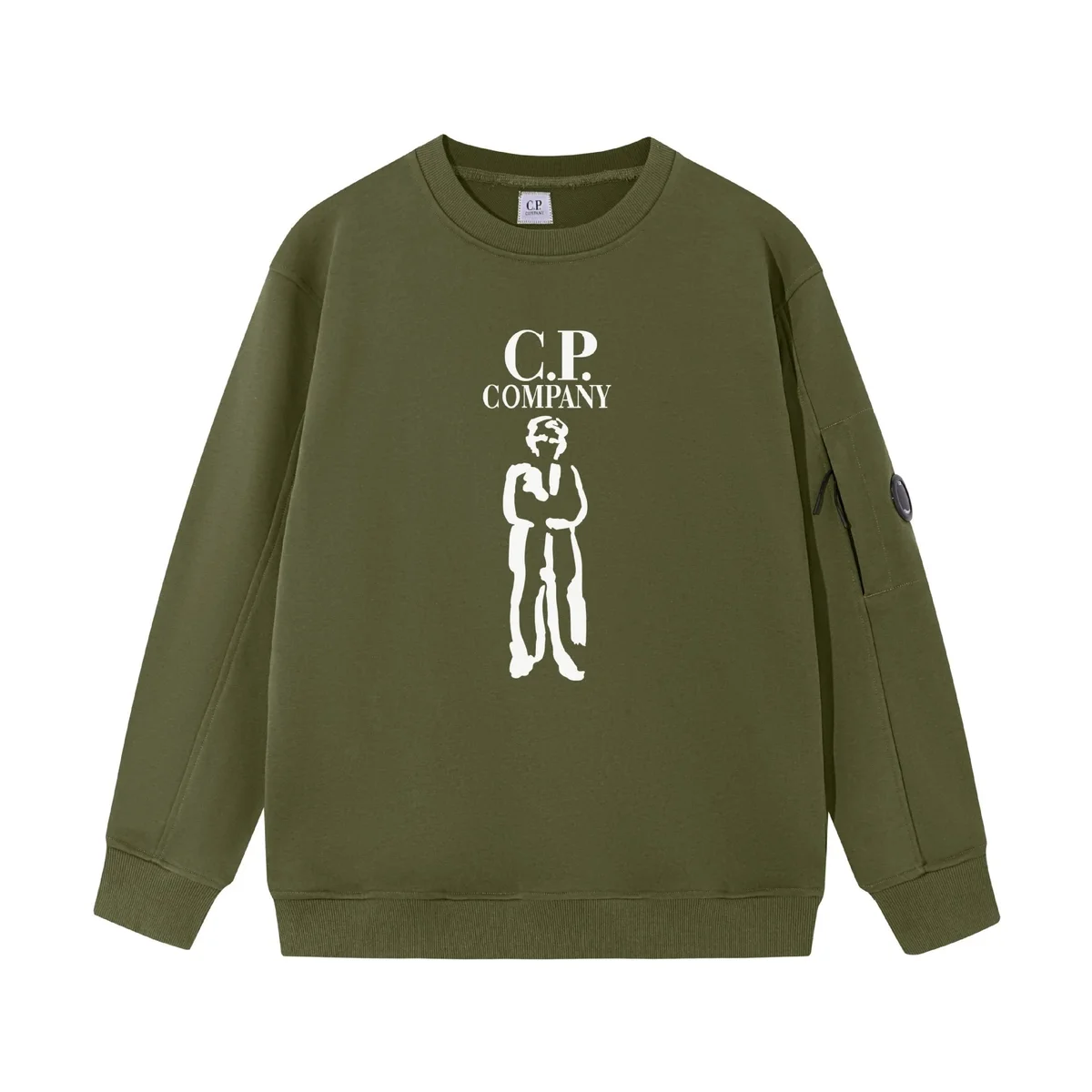
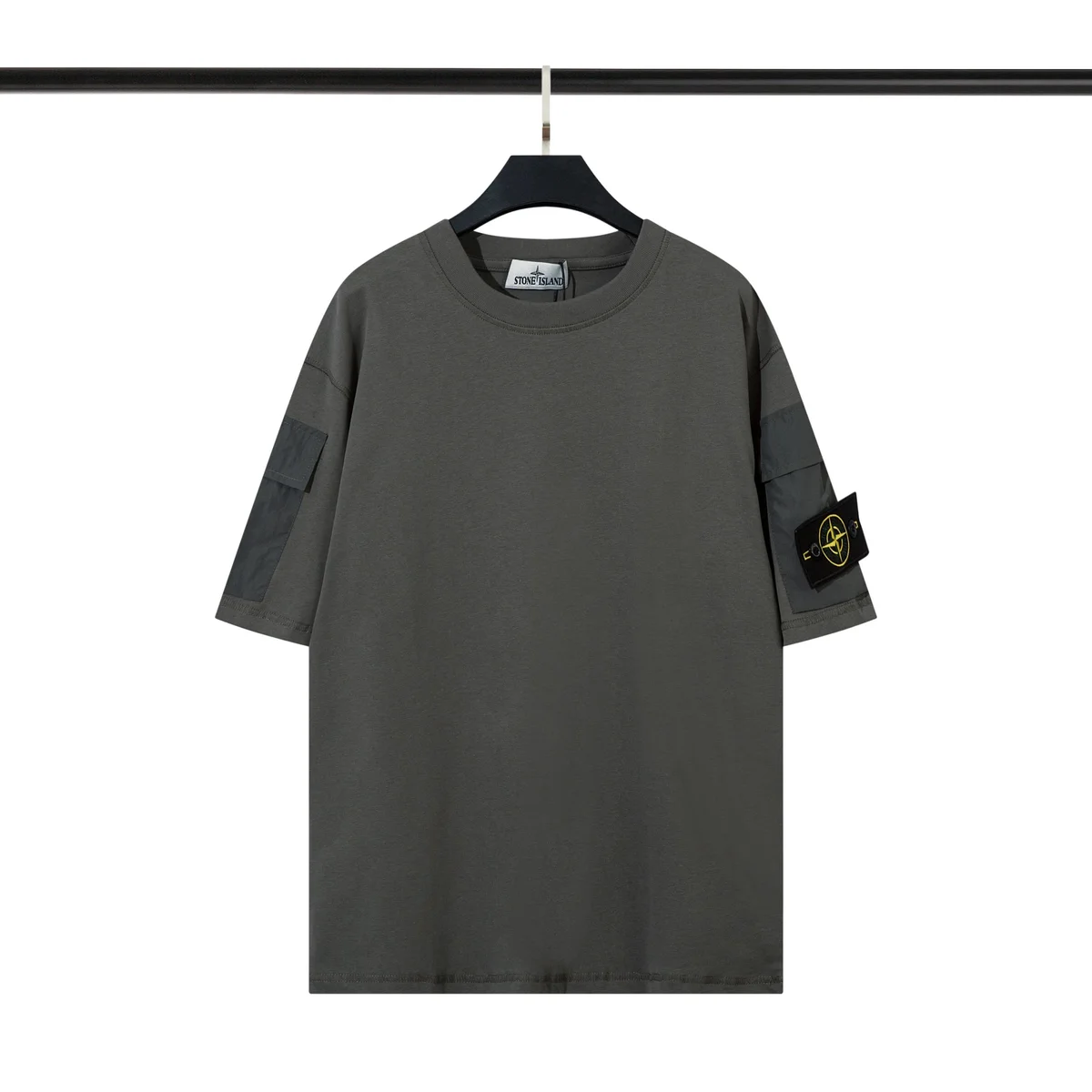
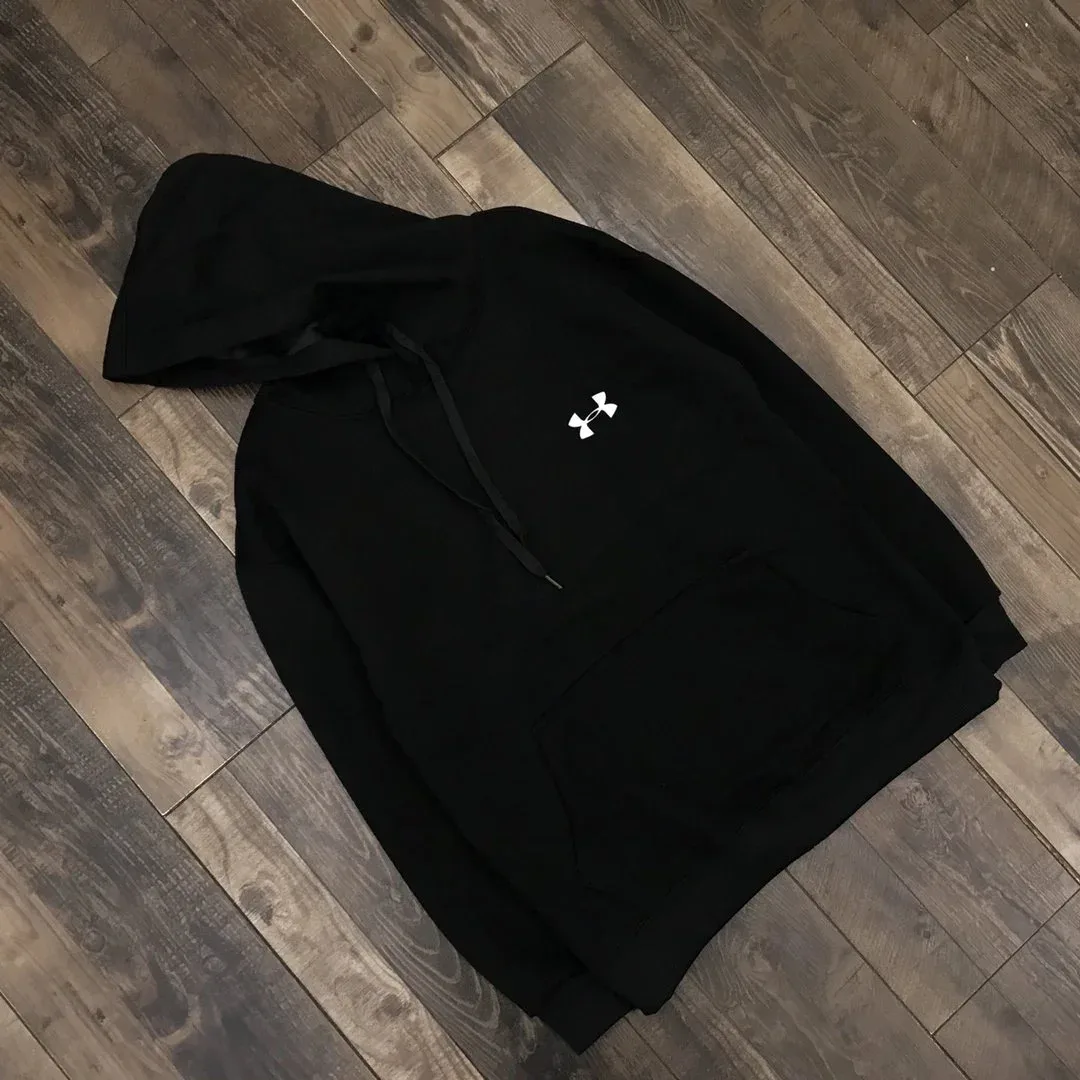
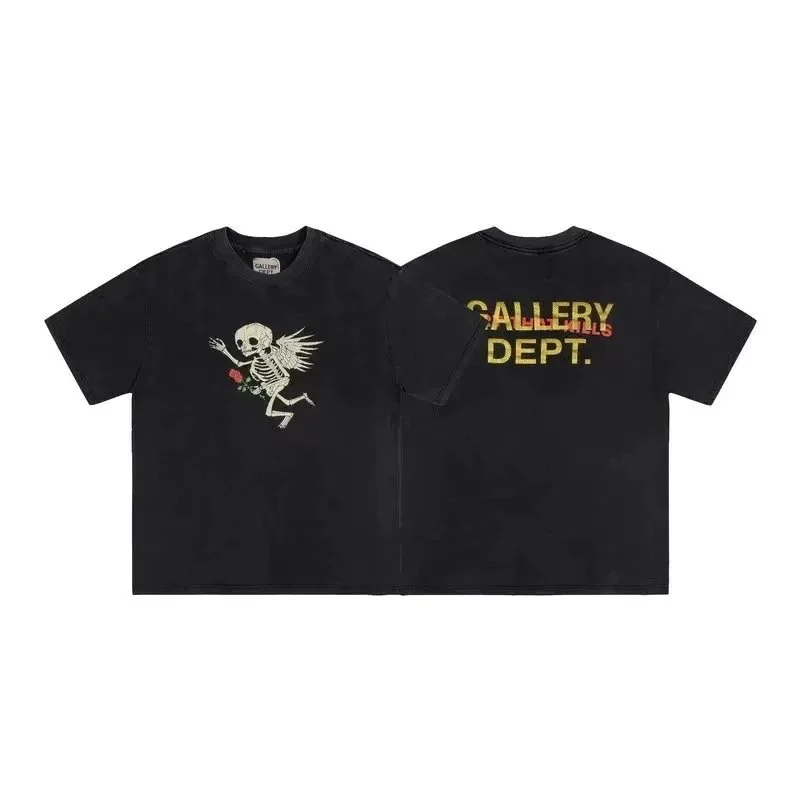
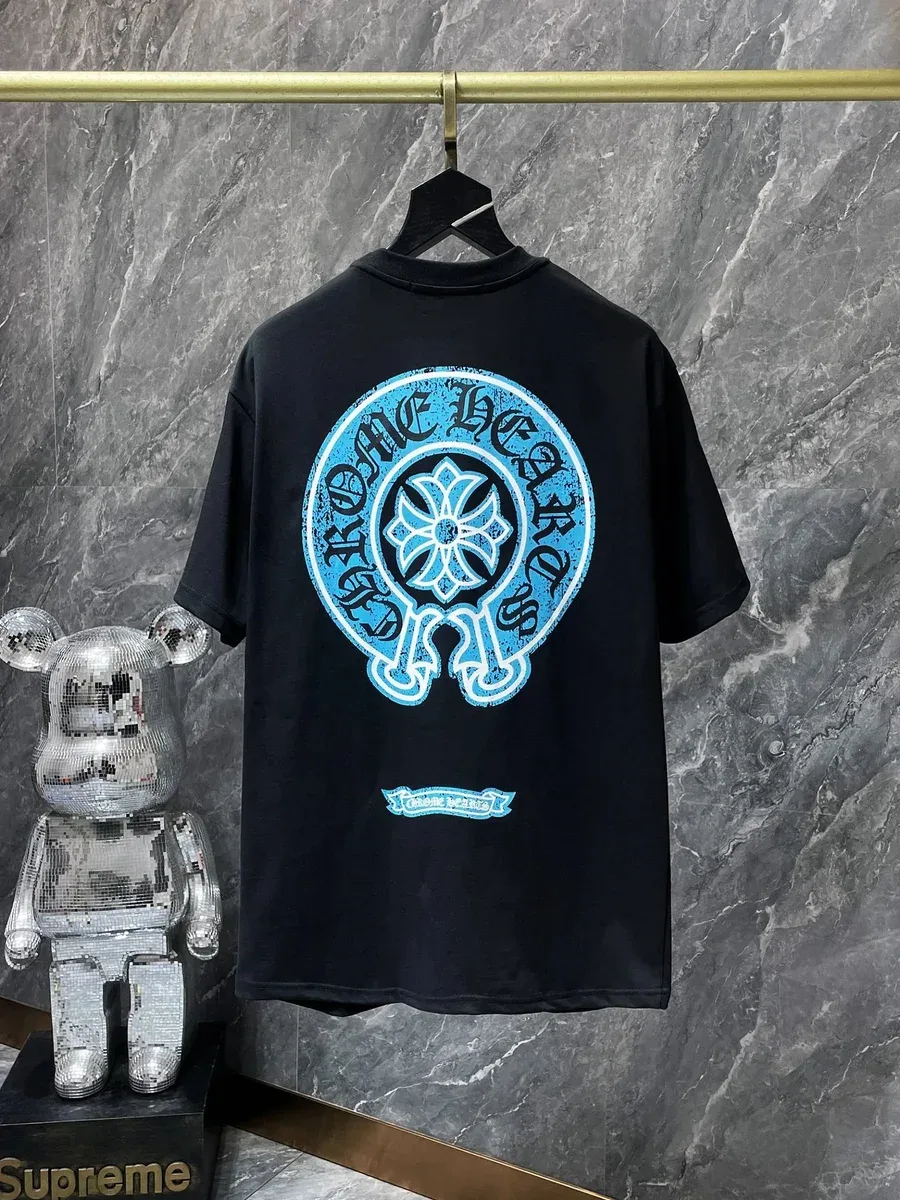
This gallery includes printed T-shirts, long sleeves, graphic hoodies and sweatshirts. Start with the shape you need, then compare sleeve length, neckline, hem and any visible hood or pocket layout. Keep jackets and coats on the separate outerwear page so the comparison stays focused on tops.
For a printed design, save the exact colour and graphic version with your size. Compare the front and back where both are available. A product name may mention a fabric or finish; treat that as source information until you have the relevant specification, rather than a tested property.
Keep the size, colour and graphic together
Open the full listing before making a choice. A gallery photo may show one version while the actual listing offers several. Record the selected size and colour together, and ask about any missing measurements instead of filling those gaps from a similar-looking item.
When your order has warehouse photos, compare them with the option you saved and raise visible discrepancies before dispatch. The images on this page are source listing pictures; they are not photos of your order, proof of authenticity or a guarantee of comfort and fit.