
What to check in a JoyaGoo electronics listing
Start with the full model and selected version
A JoyaGoo electronics spreadsheet should lead you to an exact product record. Save the full source title and chosen version, then ask for the relevant model, capacity or variant information. A familiar-looking device shell or a short generation label is not a functional specification.
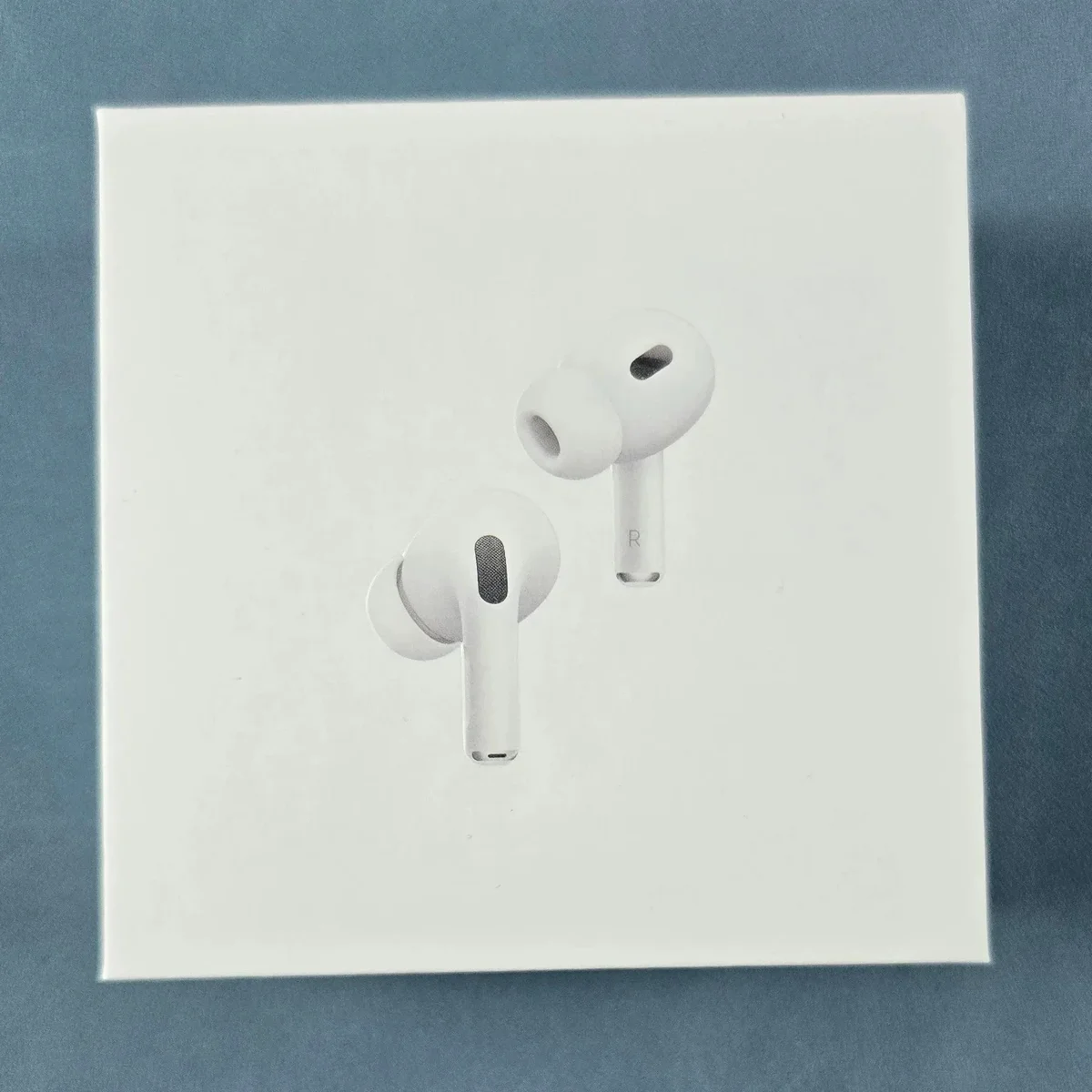
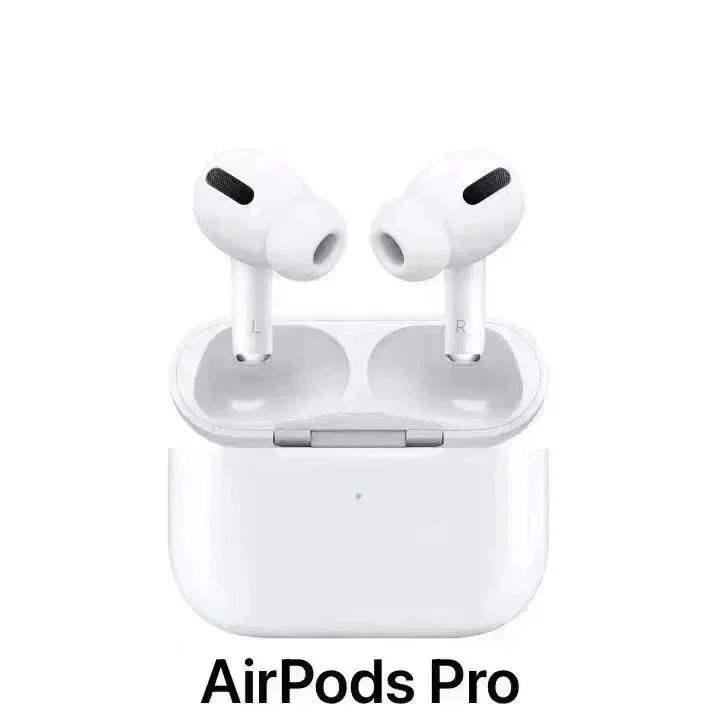
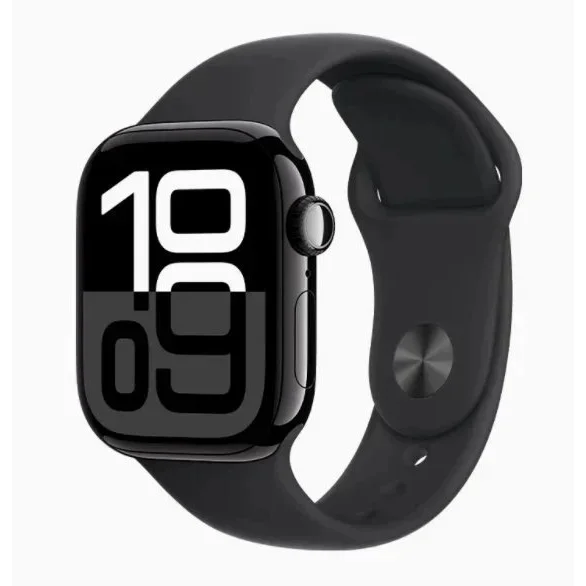
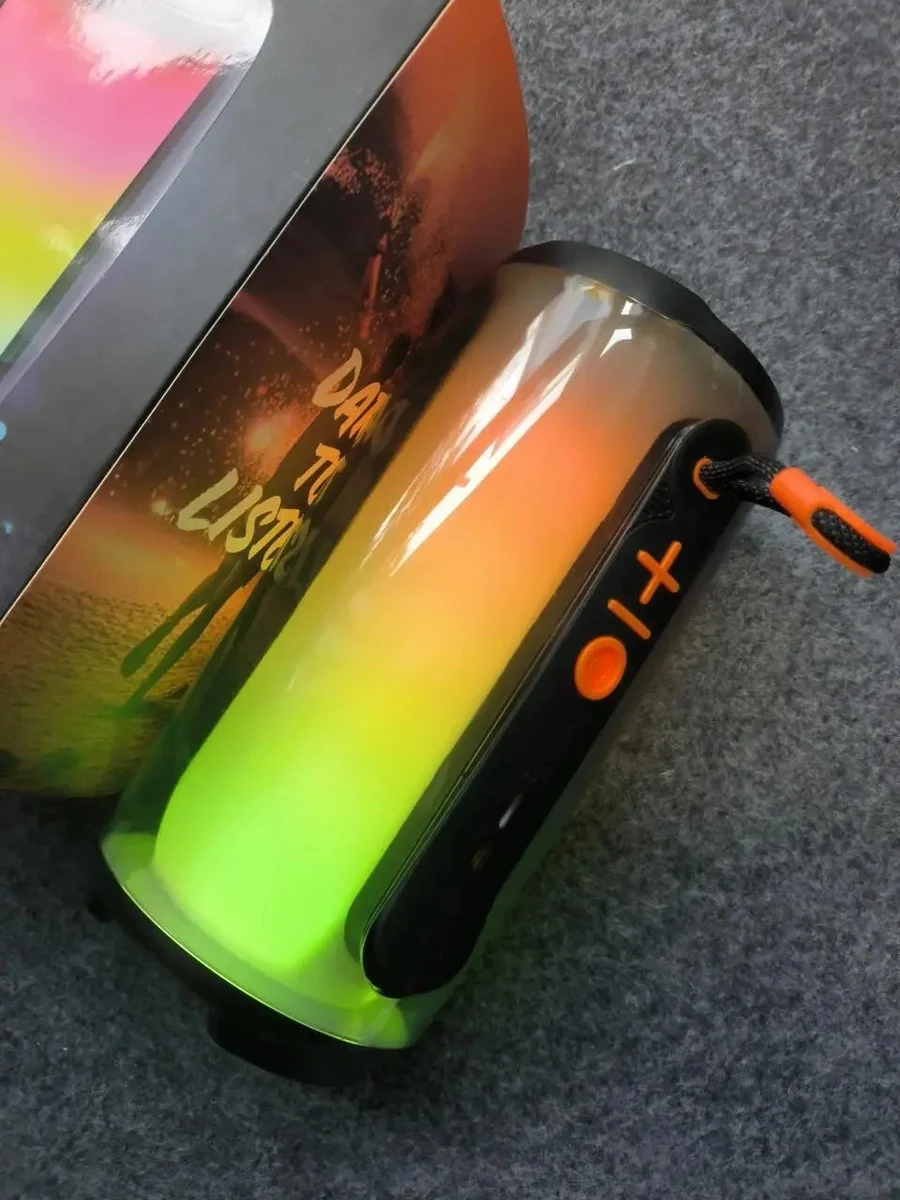
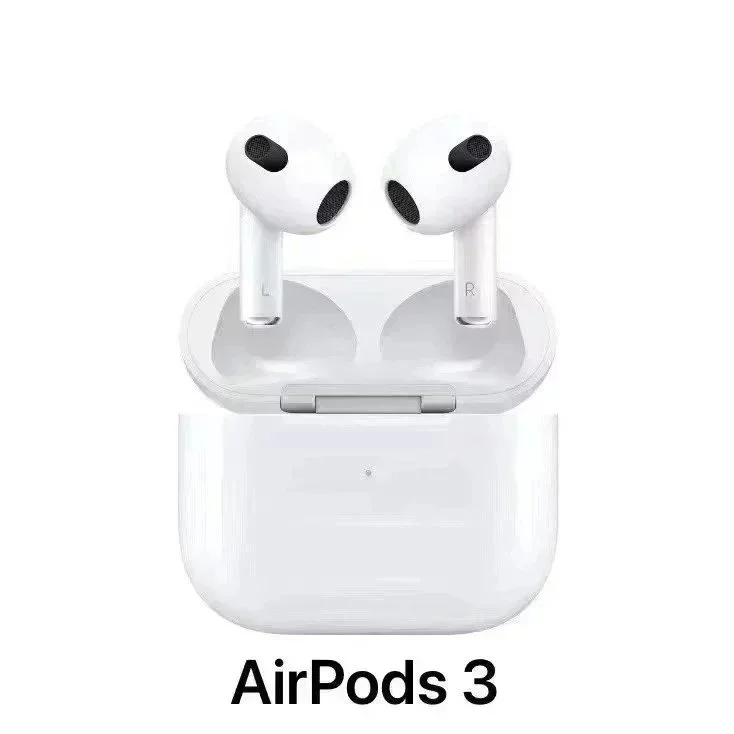
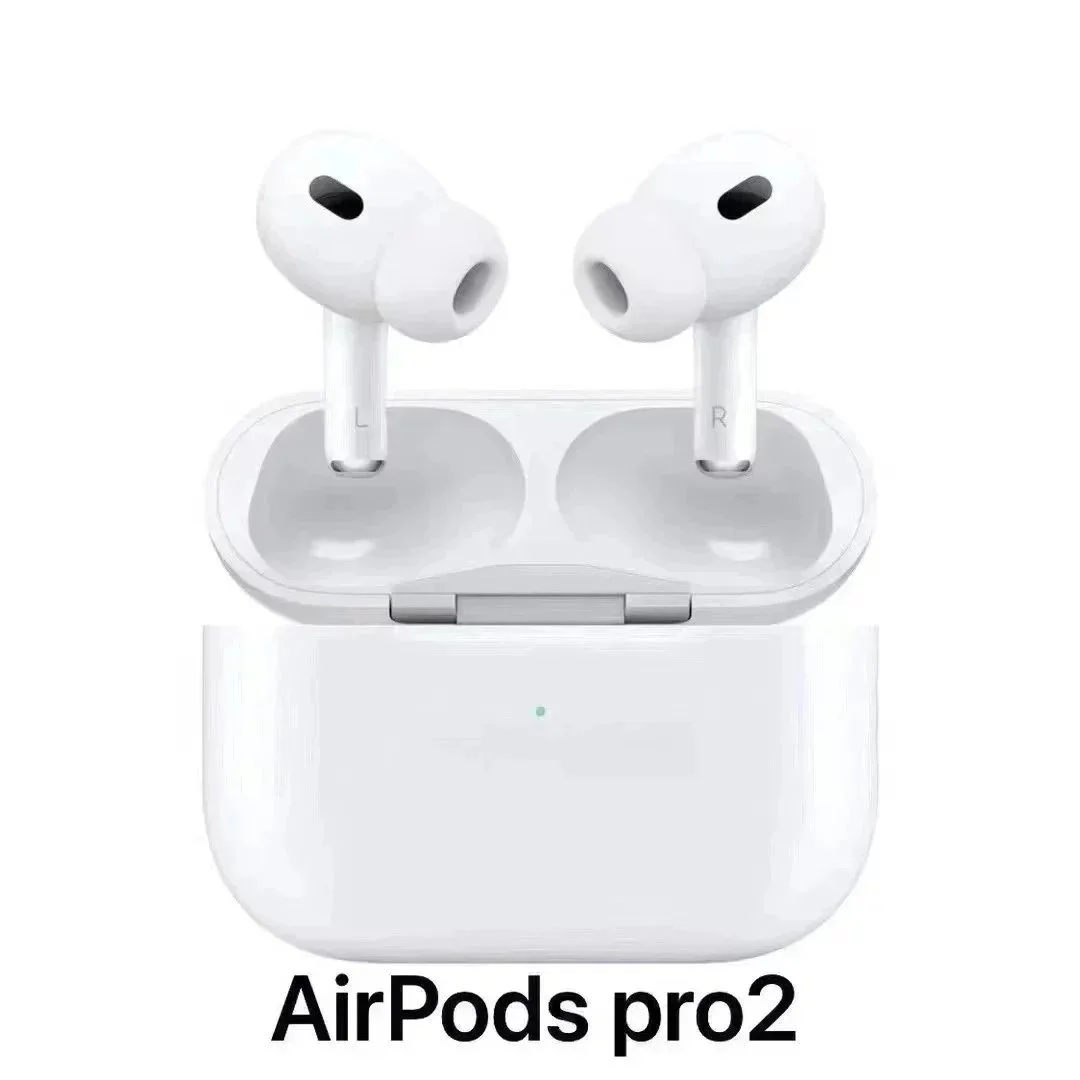
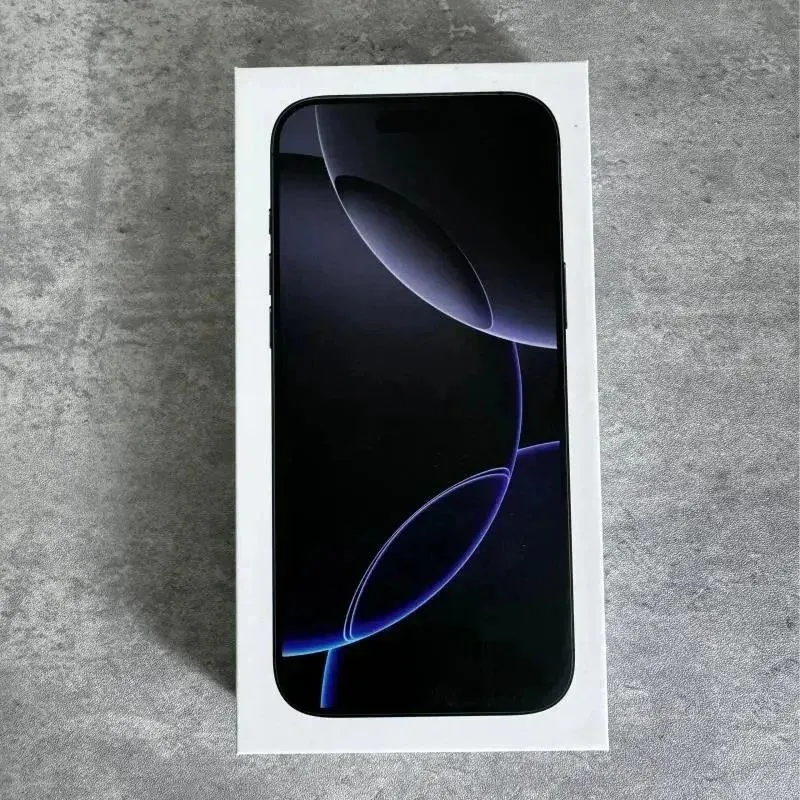
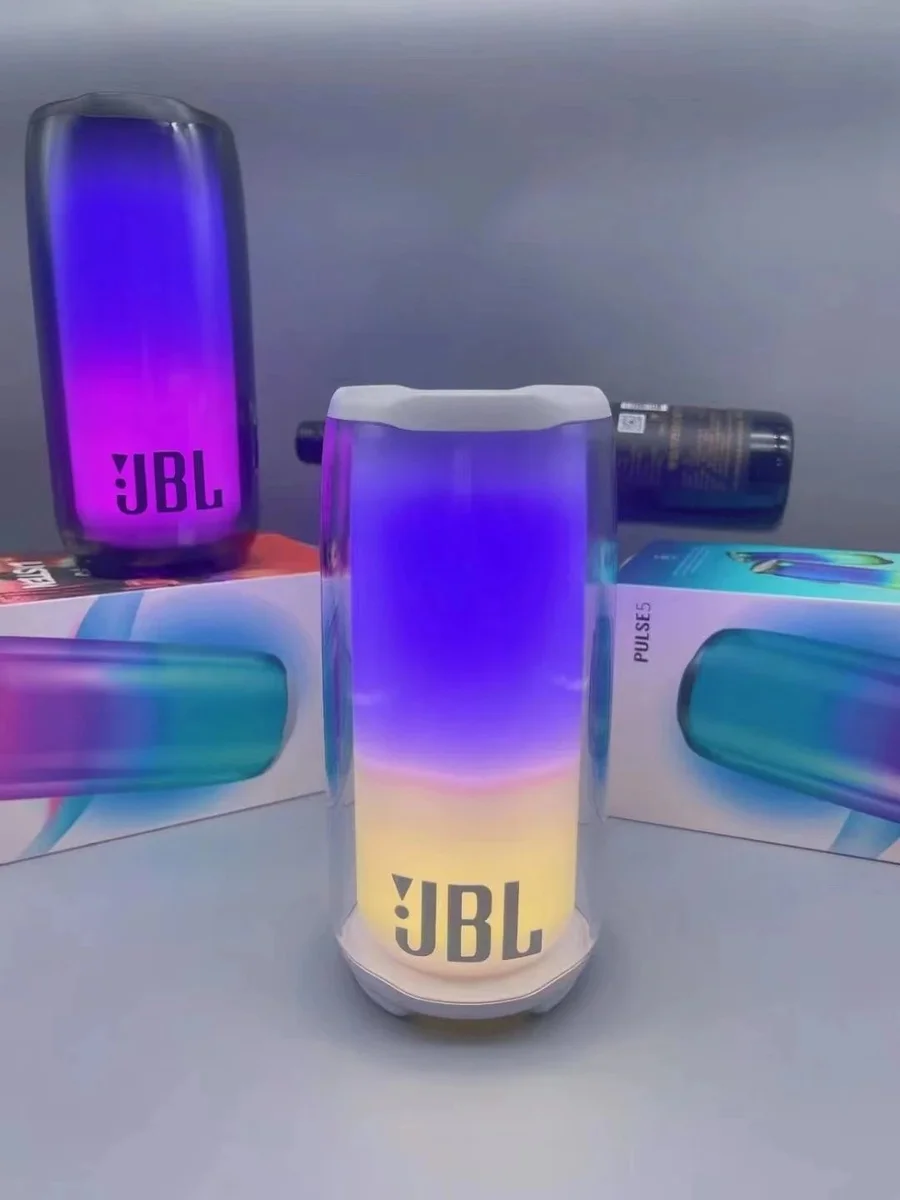
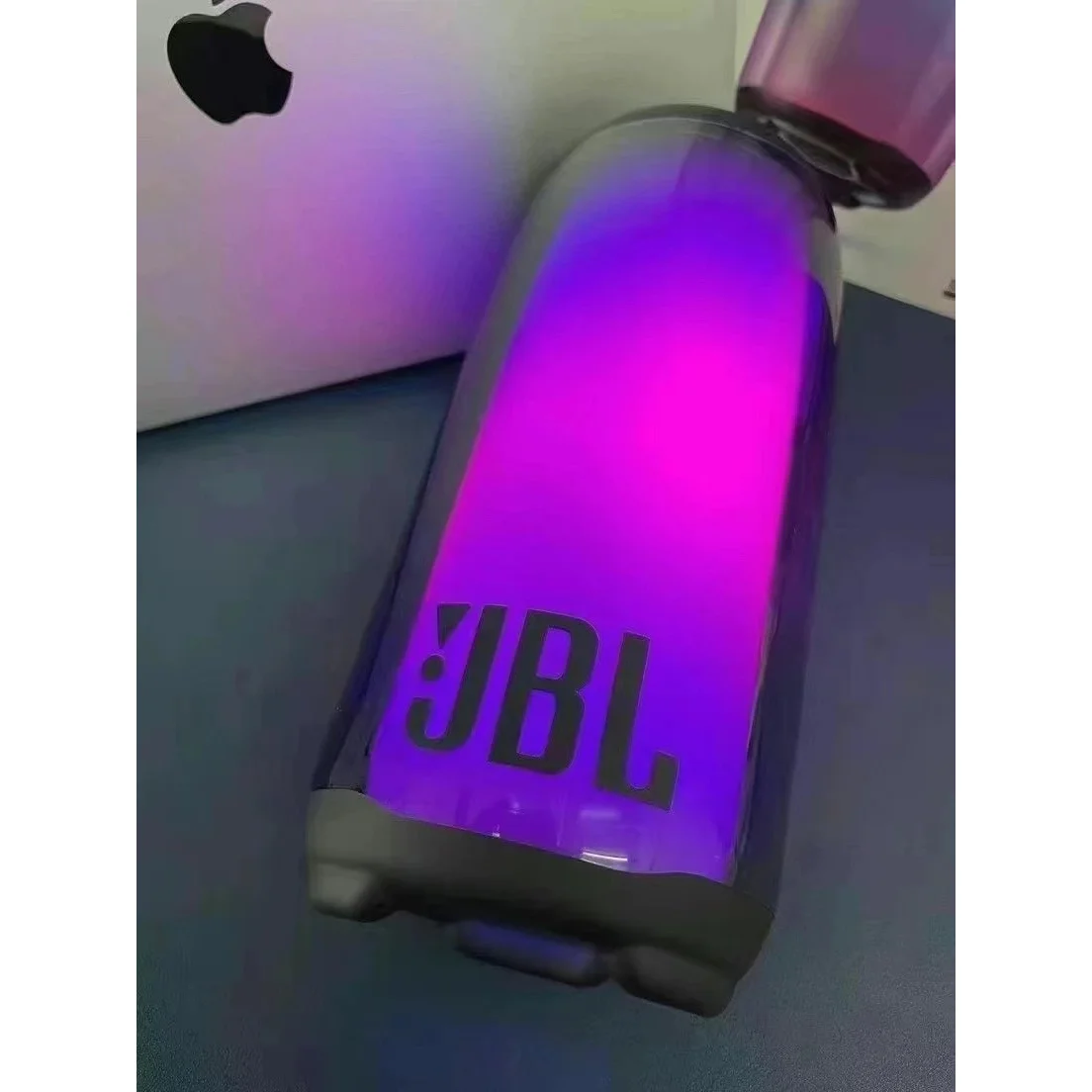
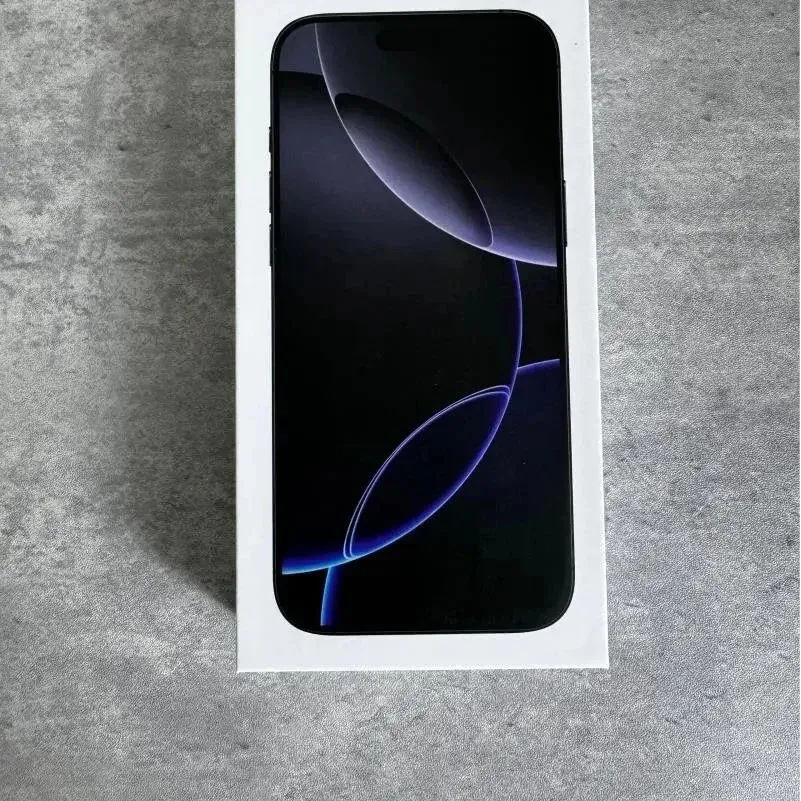
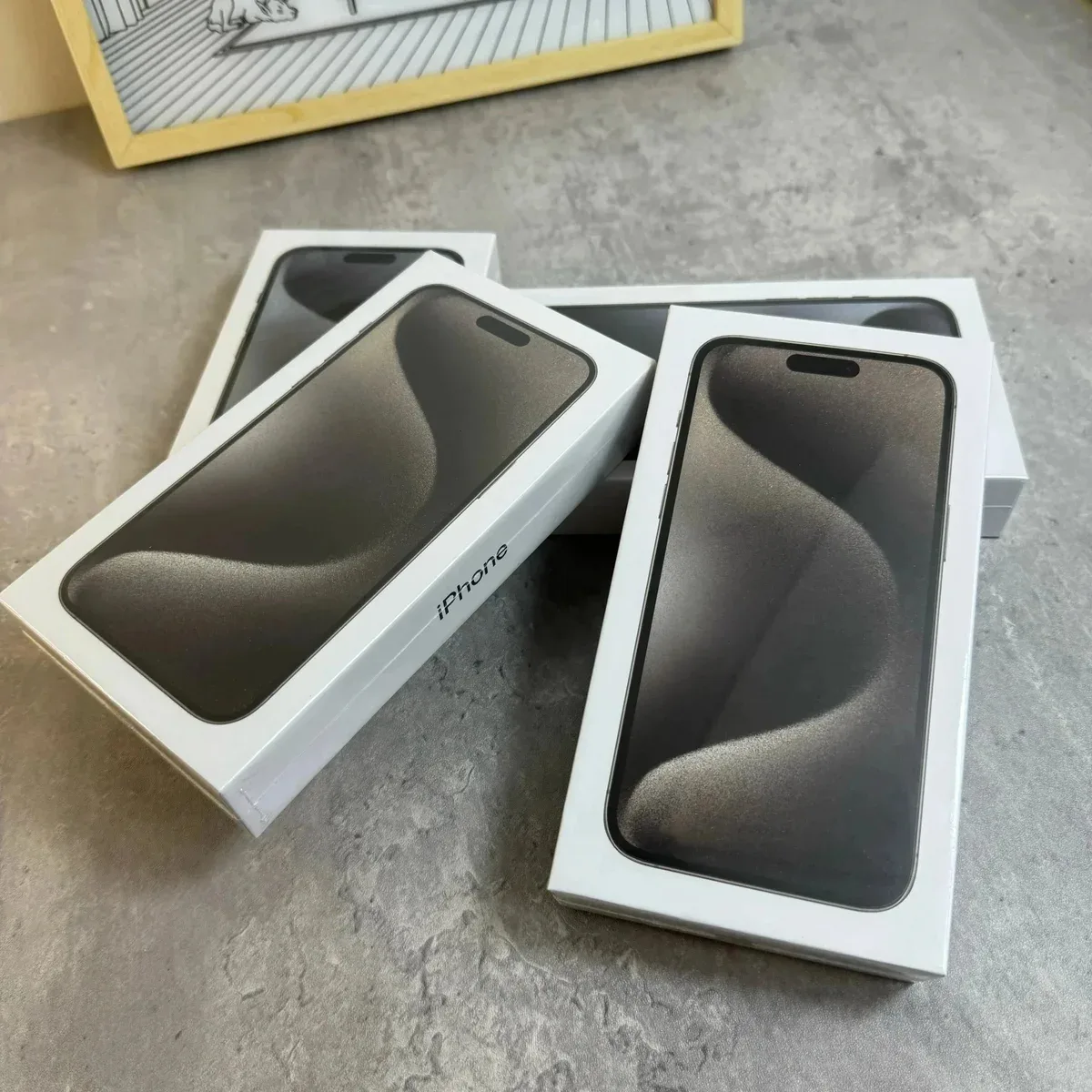
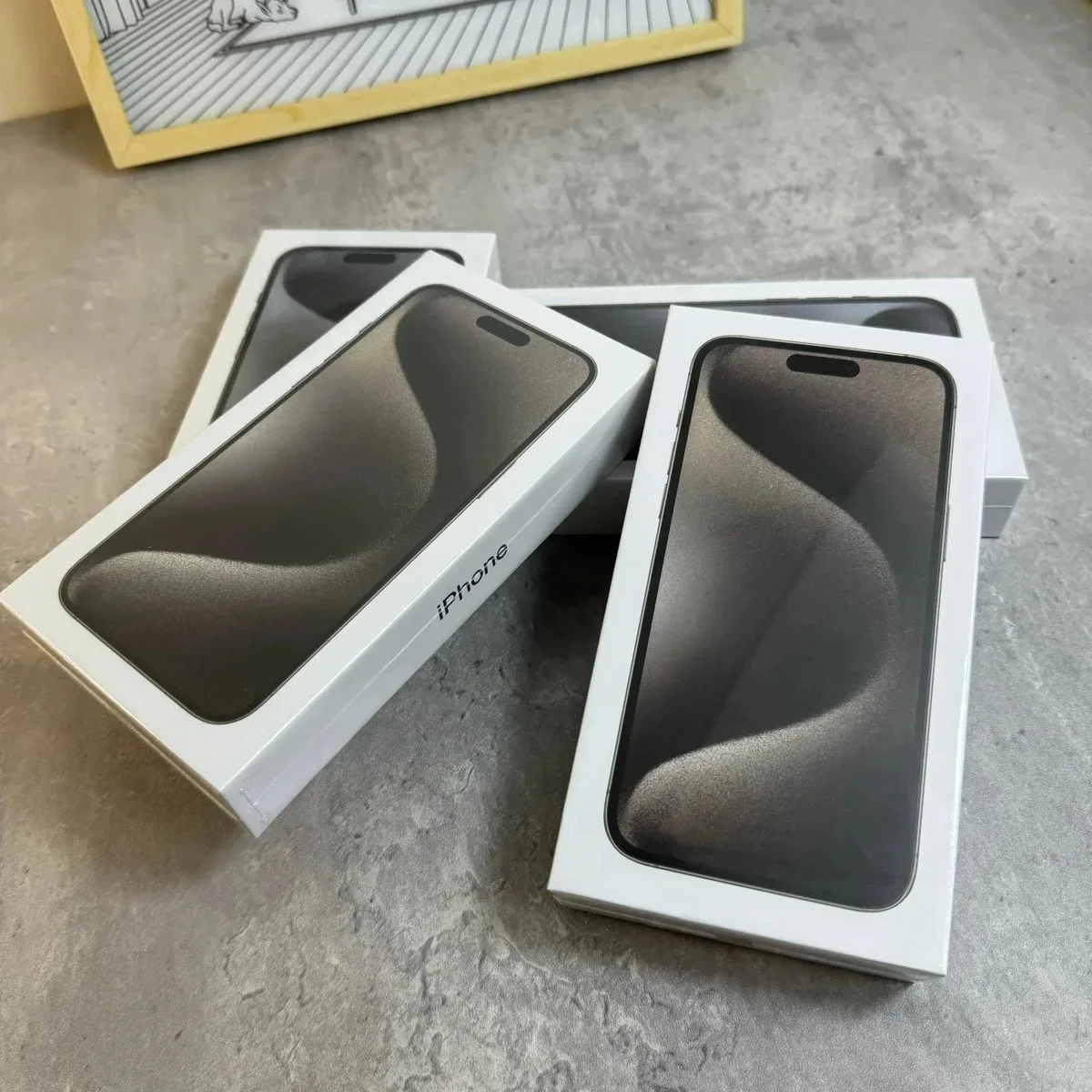
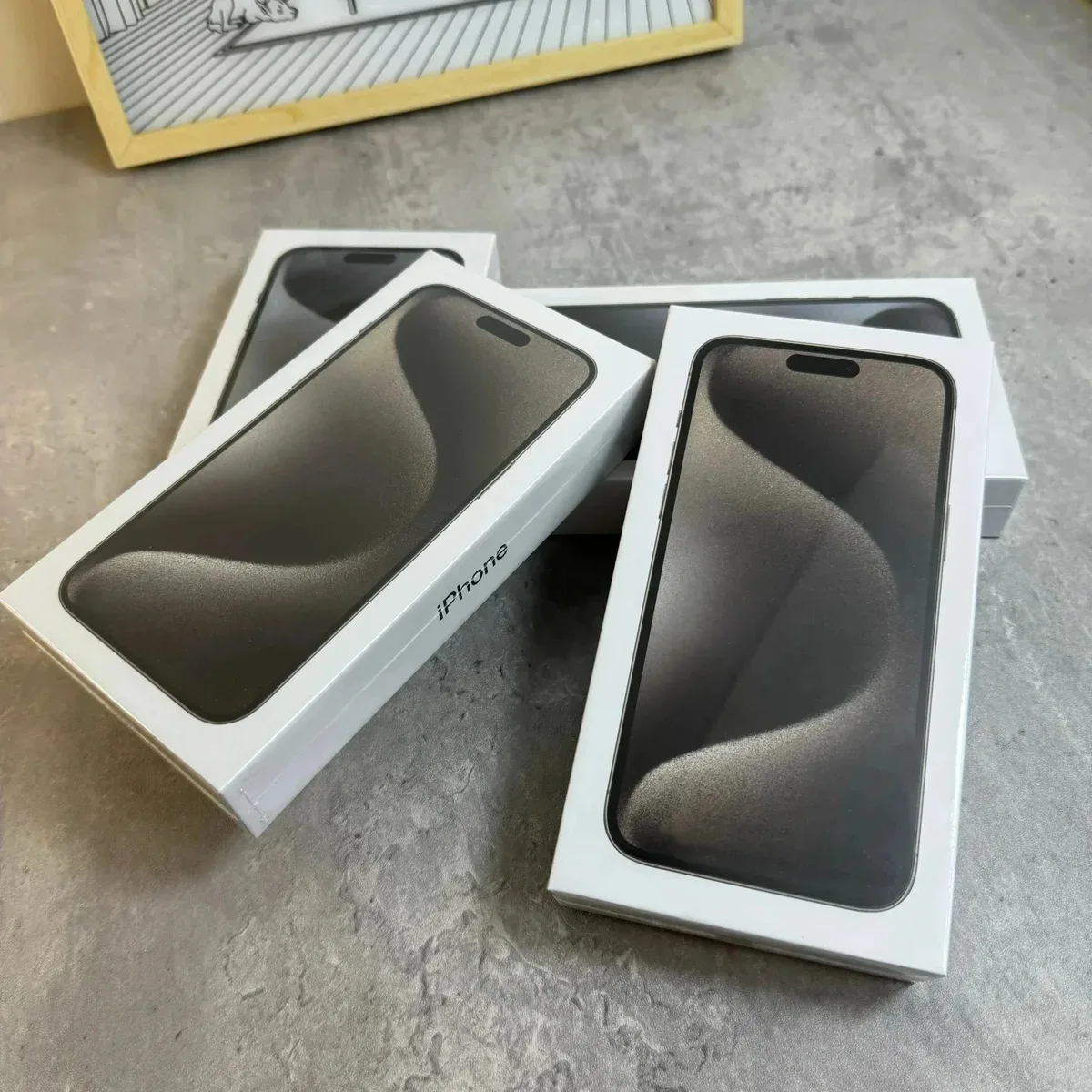
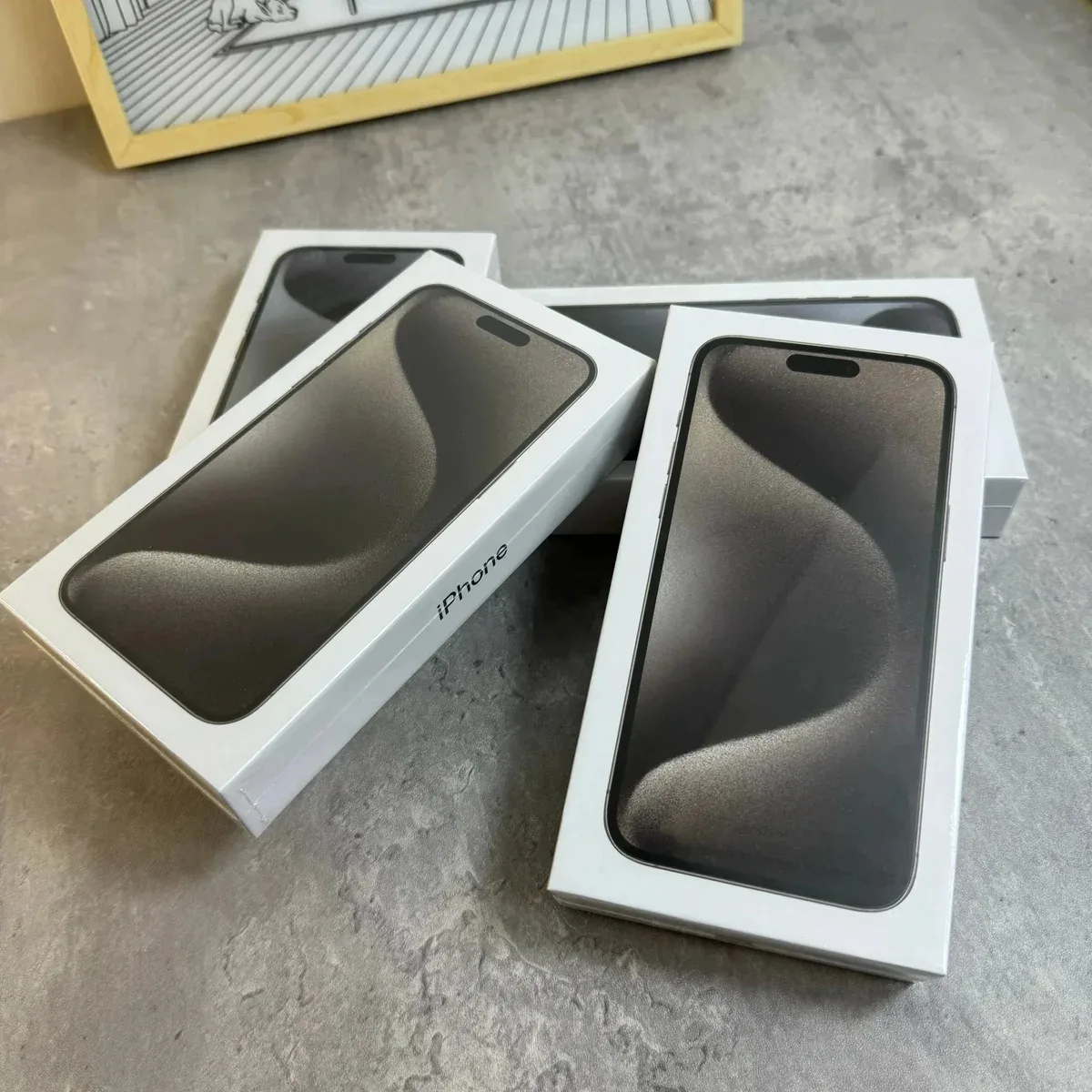
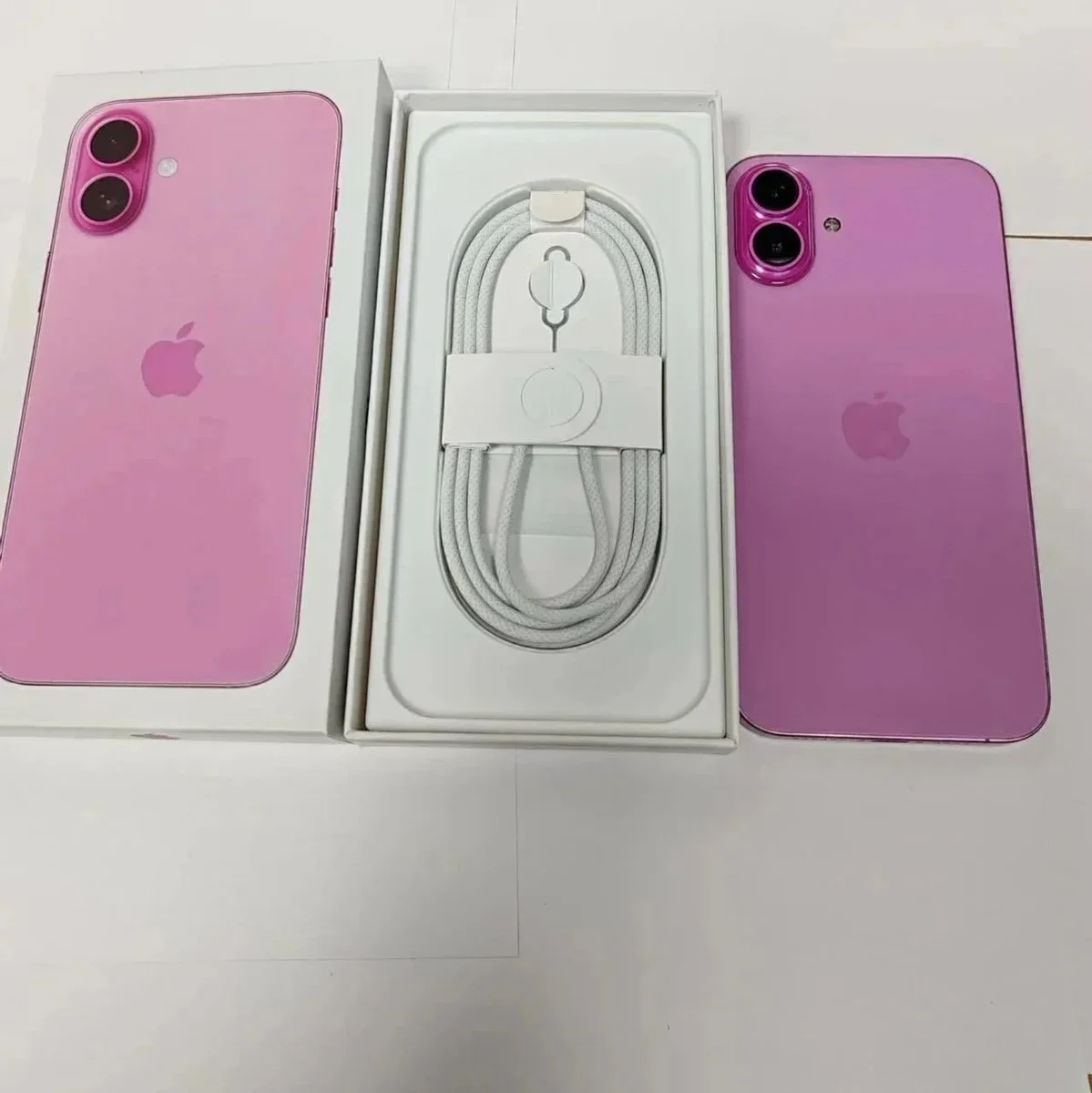
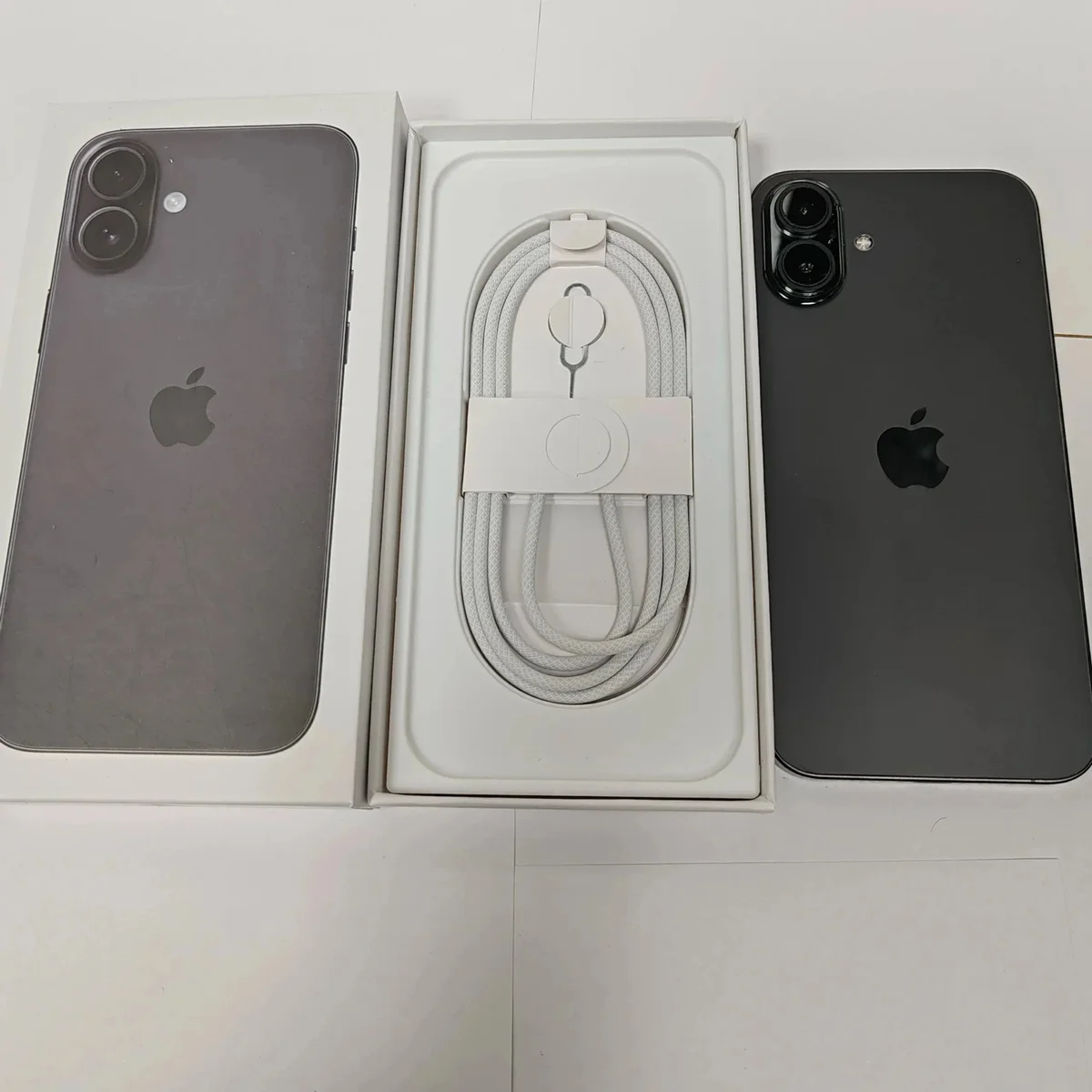
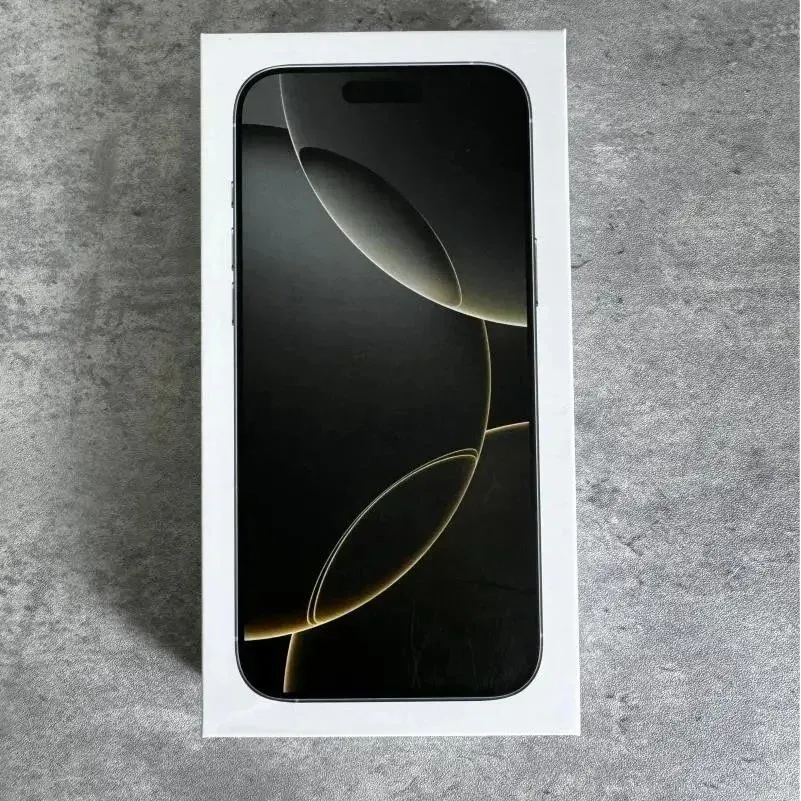
The gallery combines earbuds, portable speakers, watches, phones and a phone case. Compare similar product types together. A photographed interface, logo or model name does not establish software support, connectivity, account compatibility, battery condition or branded authenticity.
Treat accessories and included contents as separate checks
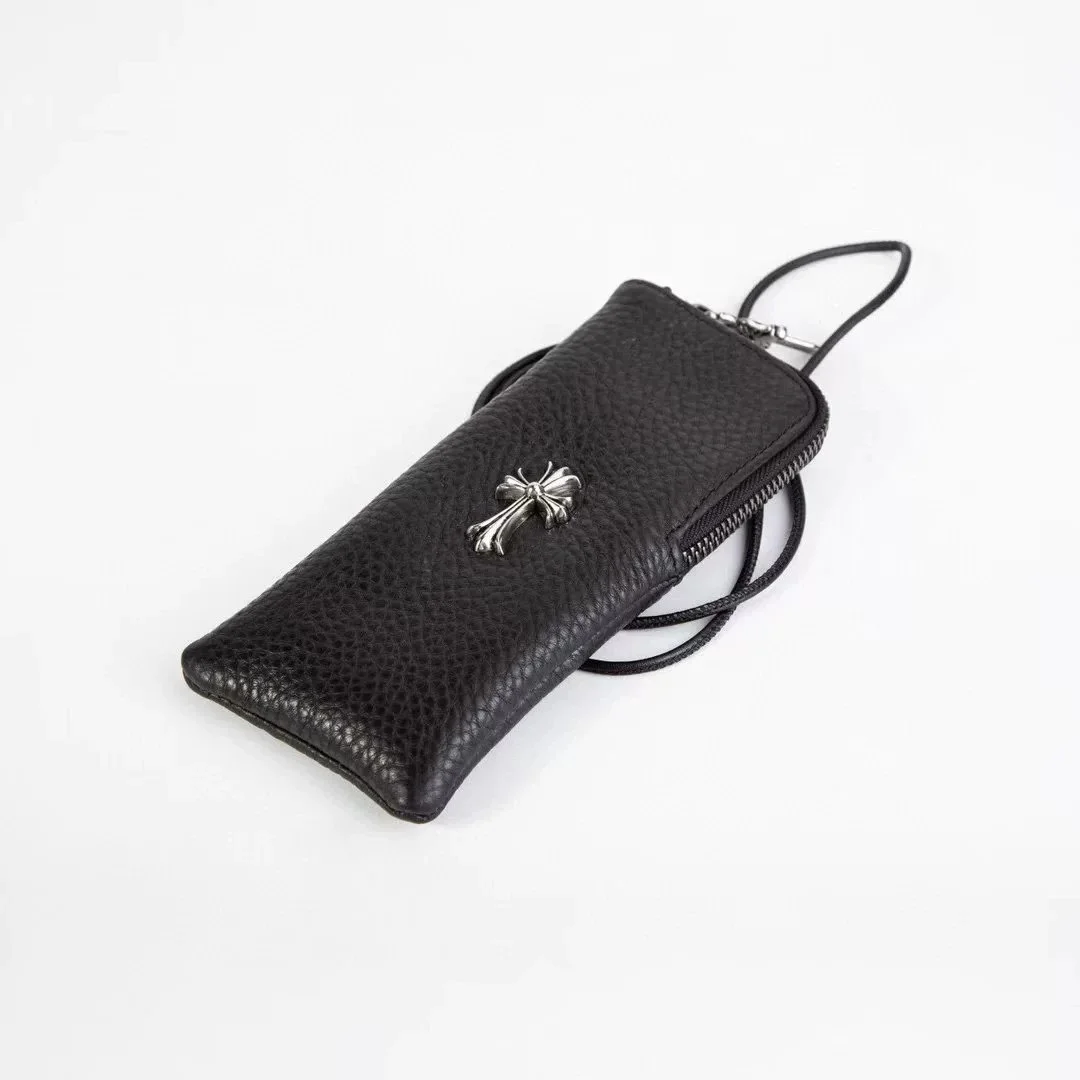
For a phone case, compare the exact device version, body dimensions and opening layout stated by the seller. A similarly named phone can still be a different variant. Save the compatible model statement with the chosen case rather than relying only on its outline.
For an electronic device, ask what is included in the selected option and what supporting specifications are available. Record any accessory, cable, charger or connection requirement relevant to your use. Do not infer the package contents from another listing with a similar hero image.
Warehouse appearance checks are not a power-on test
JoyaGoo’s published inspection scope states that electronic and digital goods receive an appearance inspection; it does not verify accessory completeness, functions, performance or power-on operation. Keep that limit in your purchasing record instead of treating a warehouse photo as a working-device certificate.
If a particular capability is essential, resolve how it can be evidenced before ordering. Also confirm purchasing and shipping eligibility for the exact item and destination. The official mailing guidance describes route suggestions based on product restrictions, not a blanket promise for everything in a directory.