
A practical guide to JoyaGoo shoe finds
Read the size chart for the exact shoe
A JoyaGoo sneaker size search should end at the chart for the selected listing, not at a universal conversion guessed from the model name. Record the available size system and any foot-length, last-length or insole measurement. If the seller does not define what a number measures, ask before comparing it with your own reference.
Use the same units and measurement type on both sides of a comparison. A measurement of an insole is not automatically the recommended foot length. Keep the seller’s explanation beside the size you save so that the reasoning survives when you return to the link later.
Compare sneakers and slides as different choices
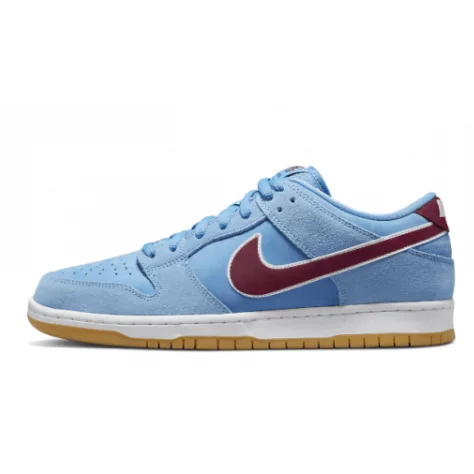
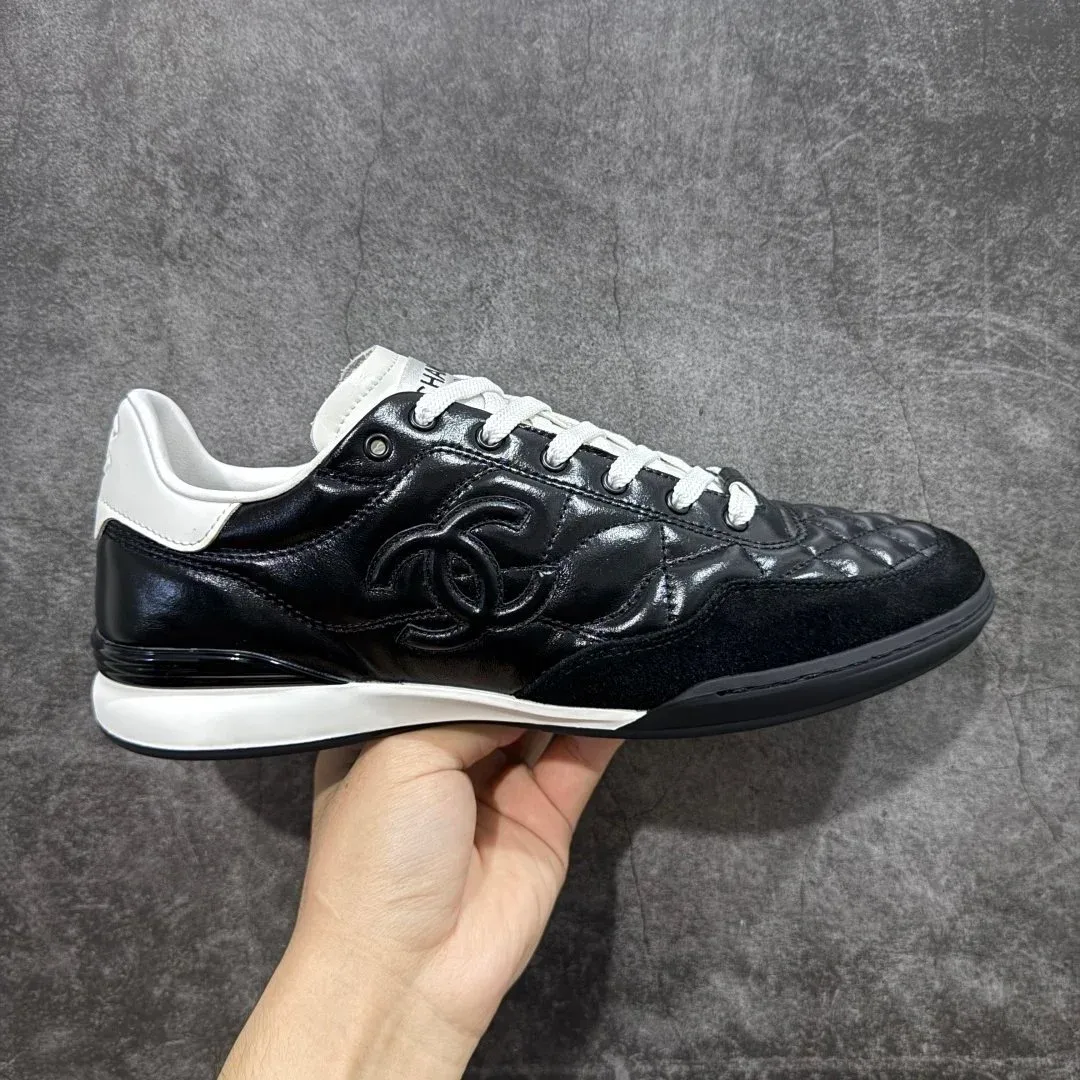
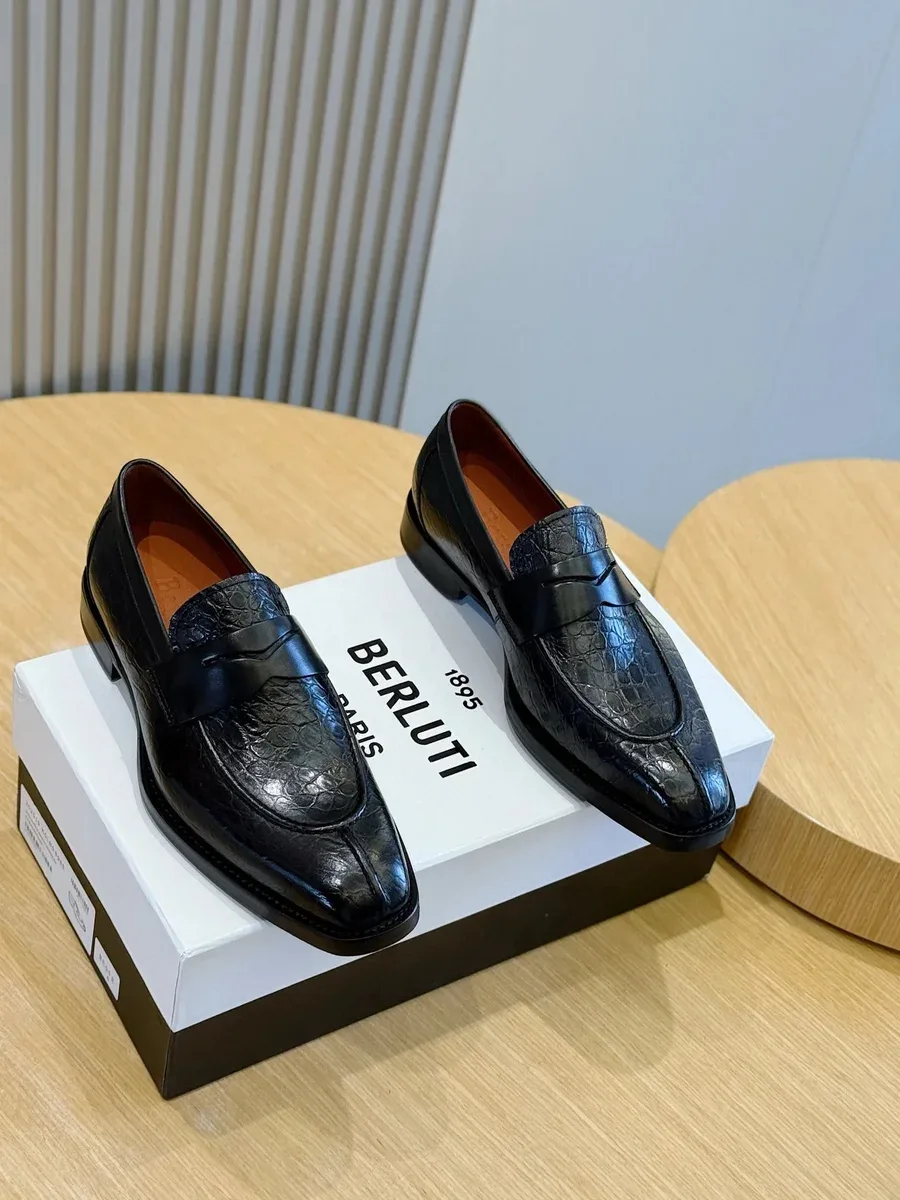
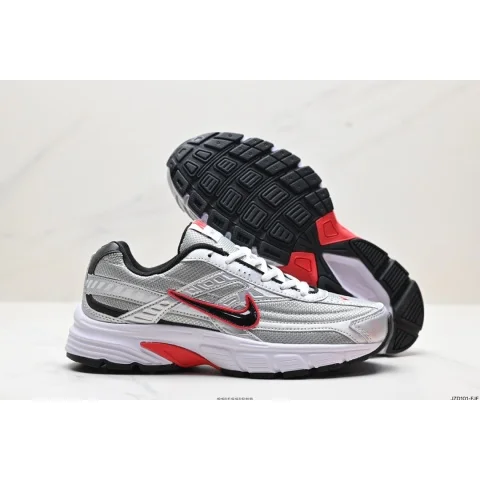
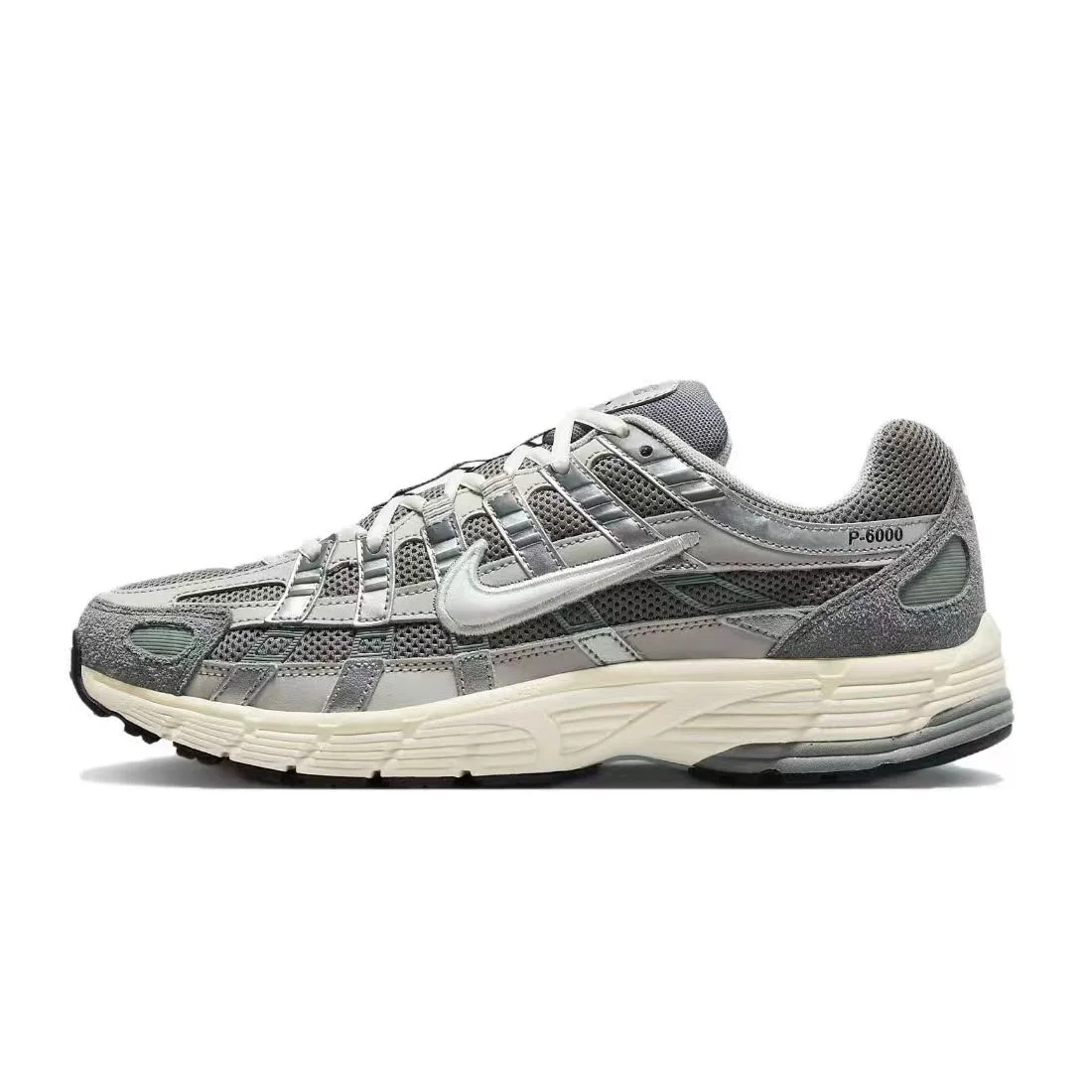
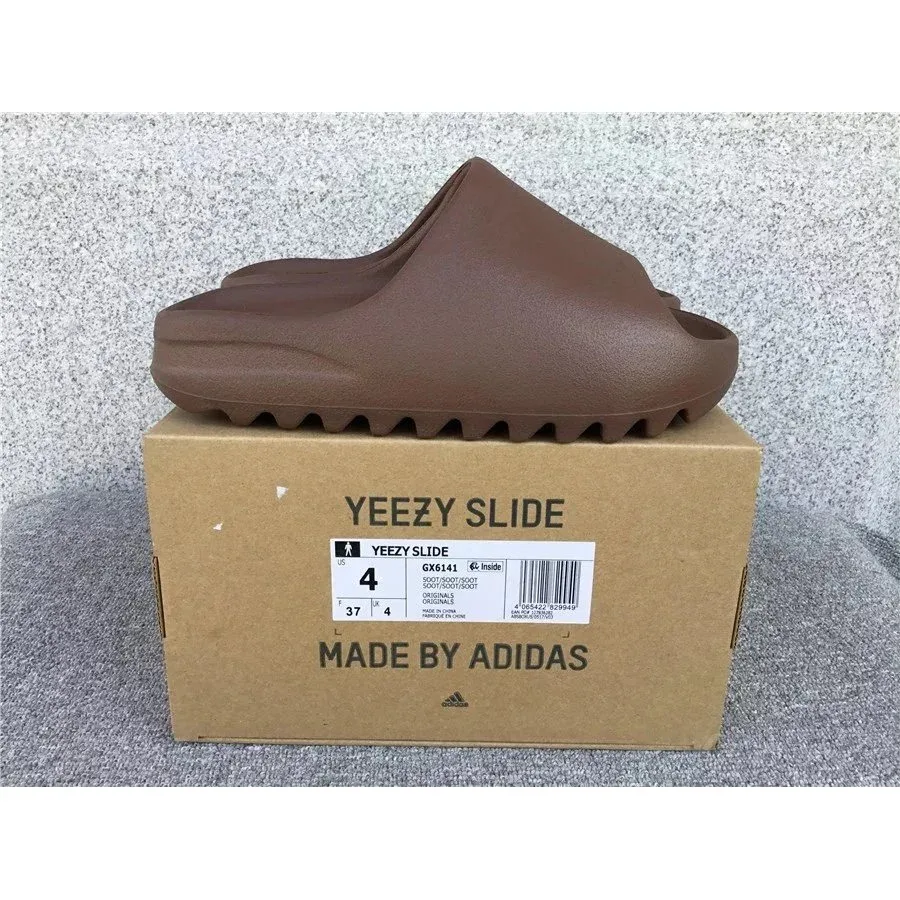
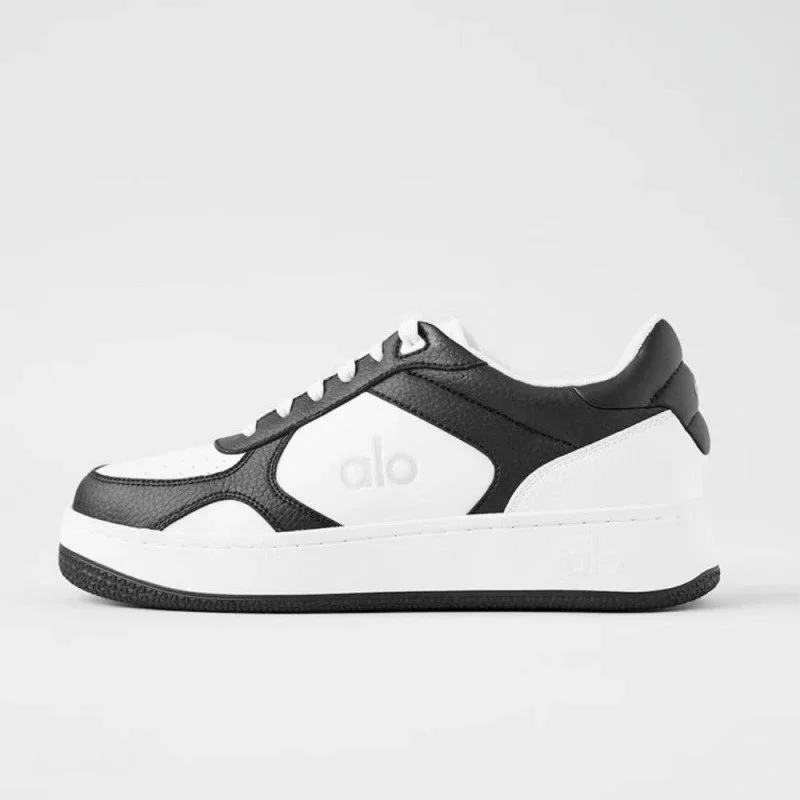
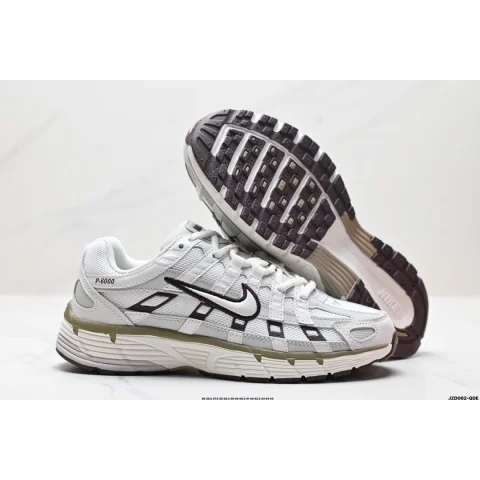
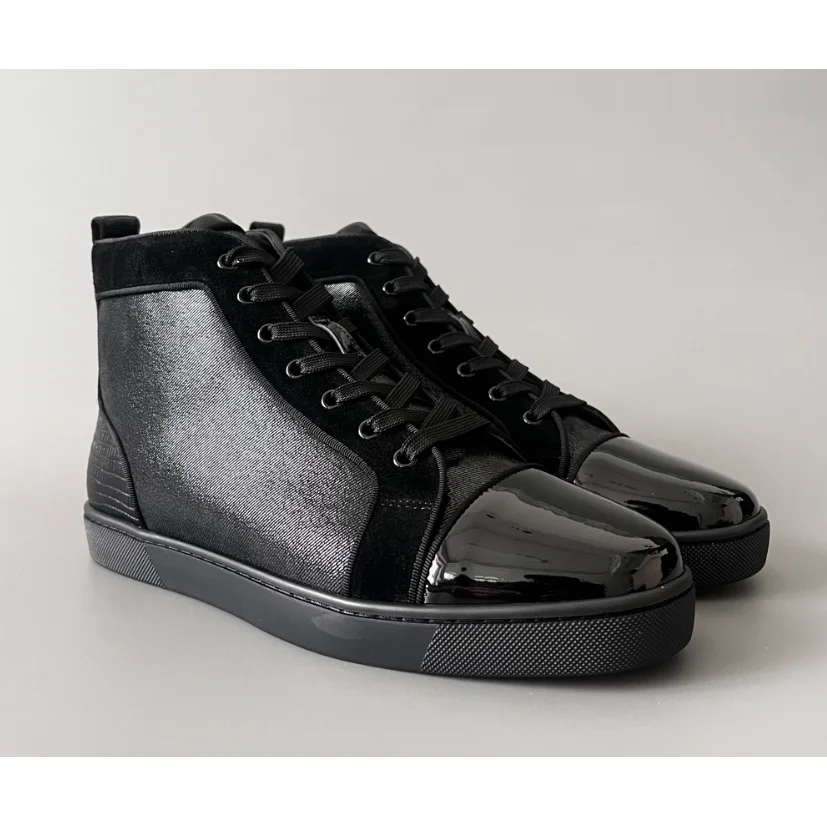
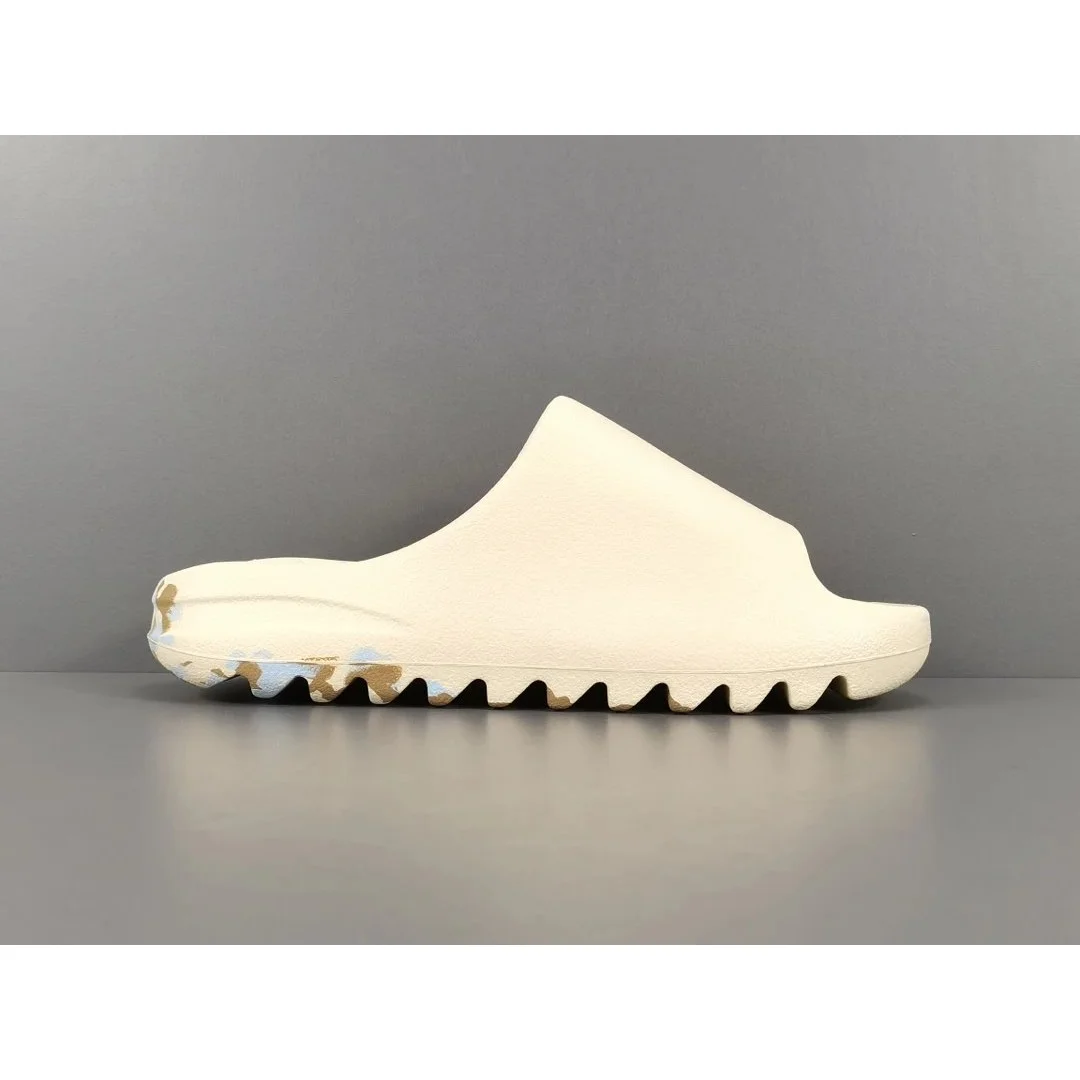
The Bubblegum Dunk and grey/white P-6000 offer different visible shapes, while the earth-brown slide and black loafer change the opening and closure entirely. Start with how you want the shoe to look, then check the selected option’s own fit information.
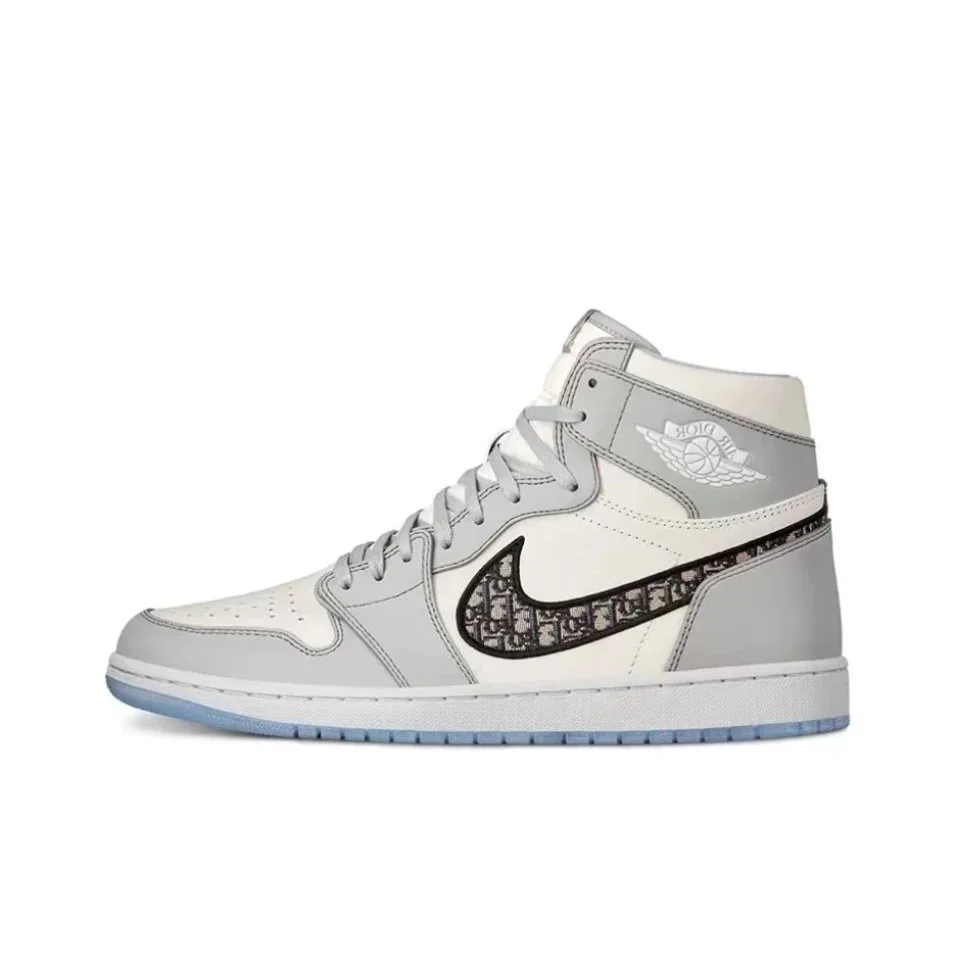
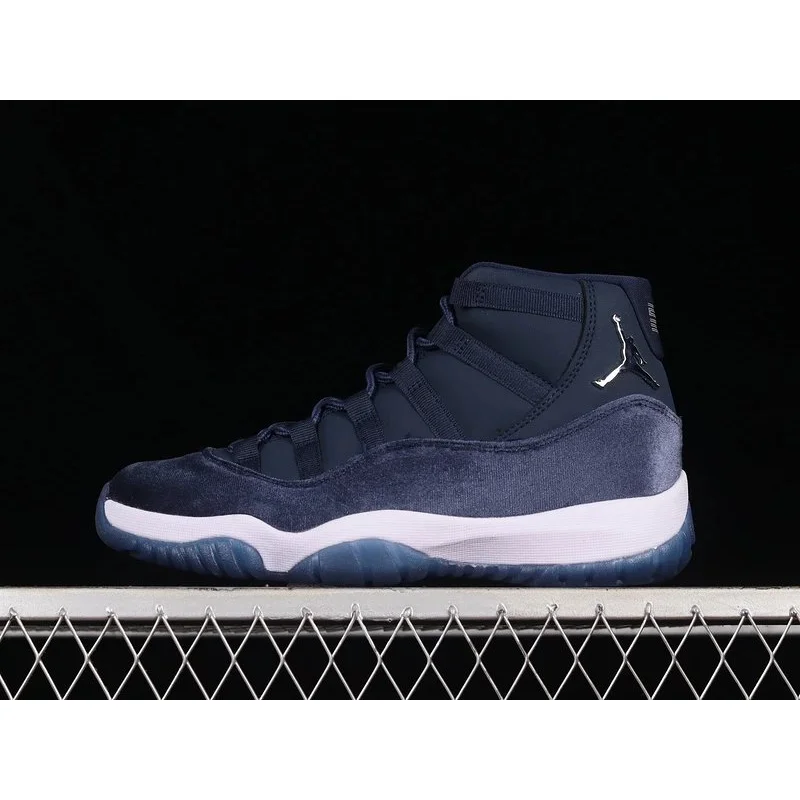
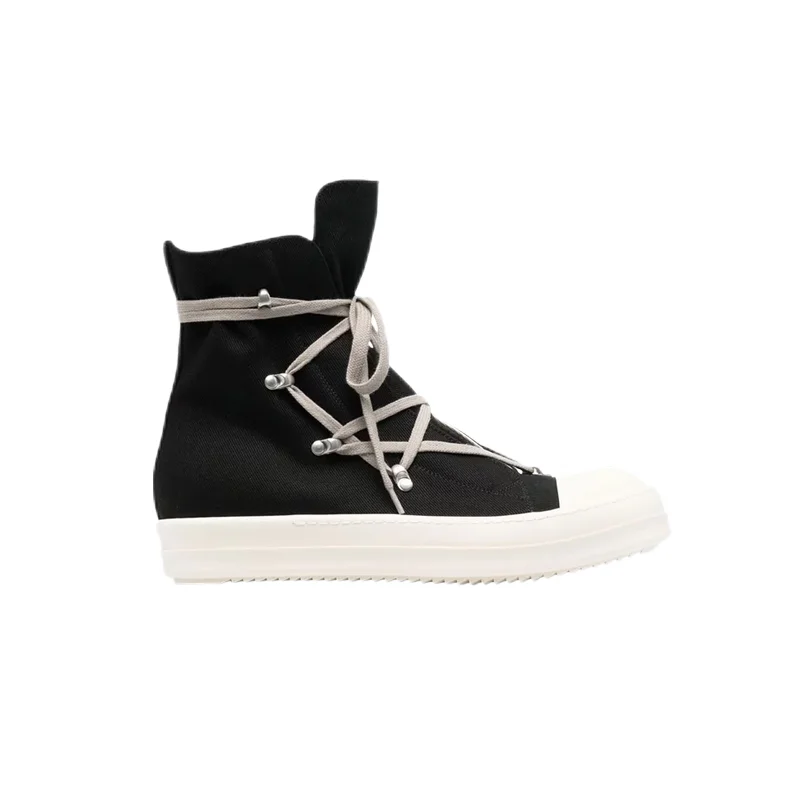
For high-tops, note the opening and fastening. For slides, compare the strap and footbed information provided by the seller. Terms such as running or performance in a listing title are not wear-test results, and this image selection does not establish cushioning, grip or durability.
Review a pair, not just a hero image
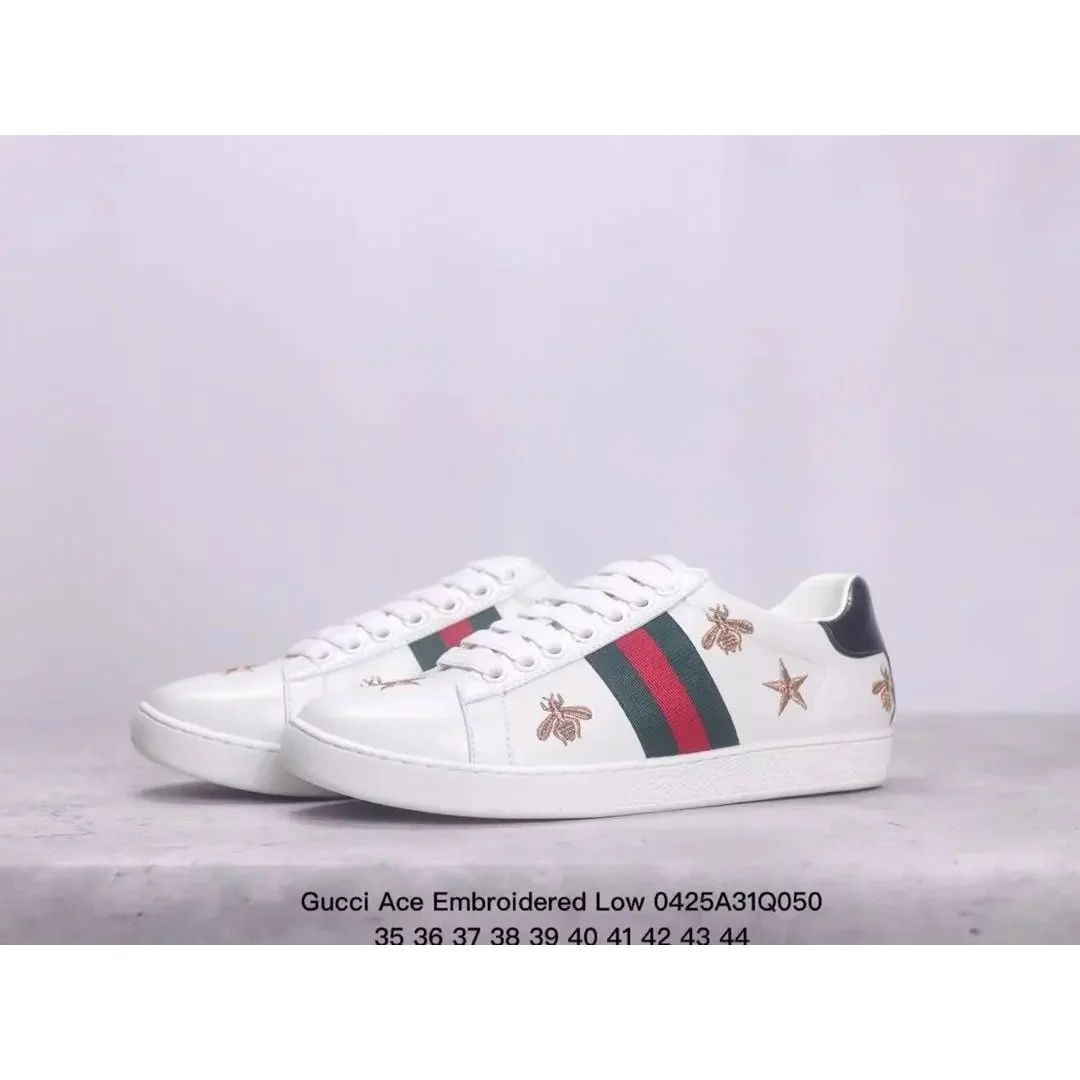
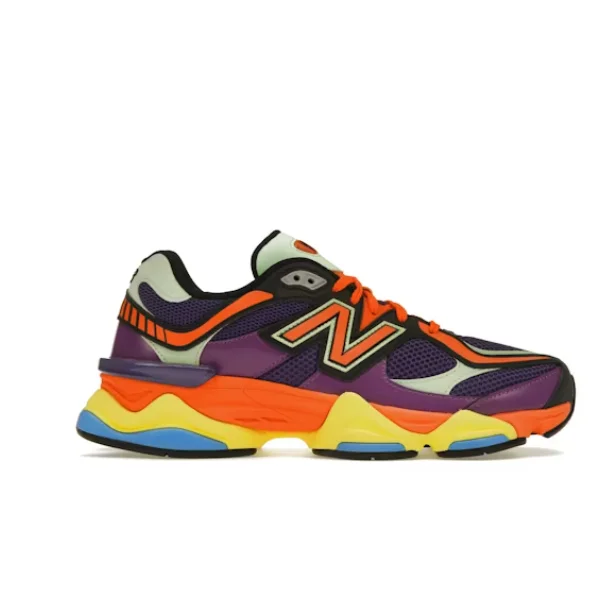
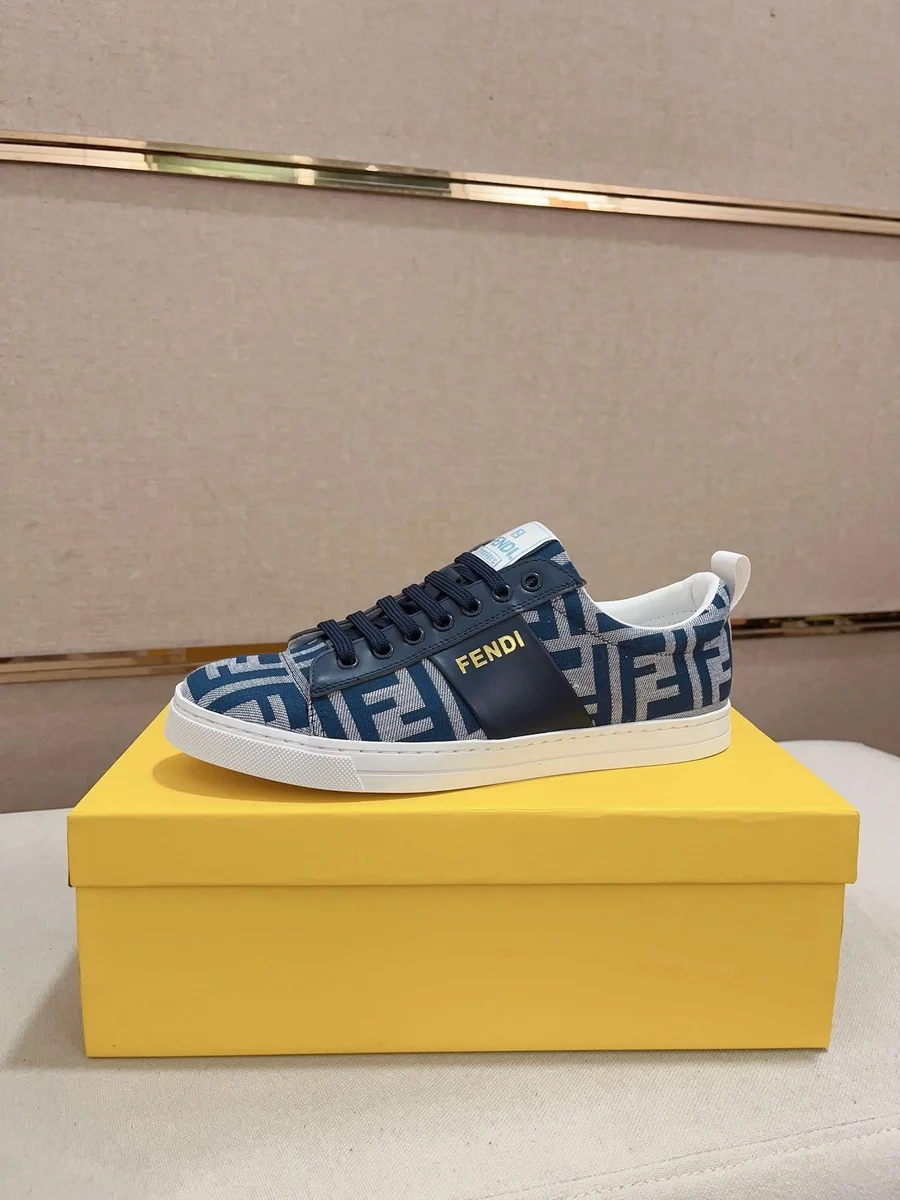
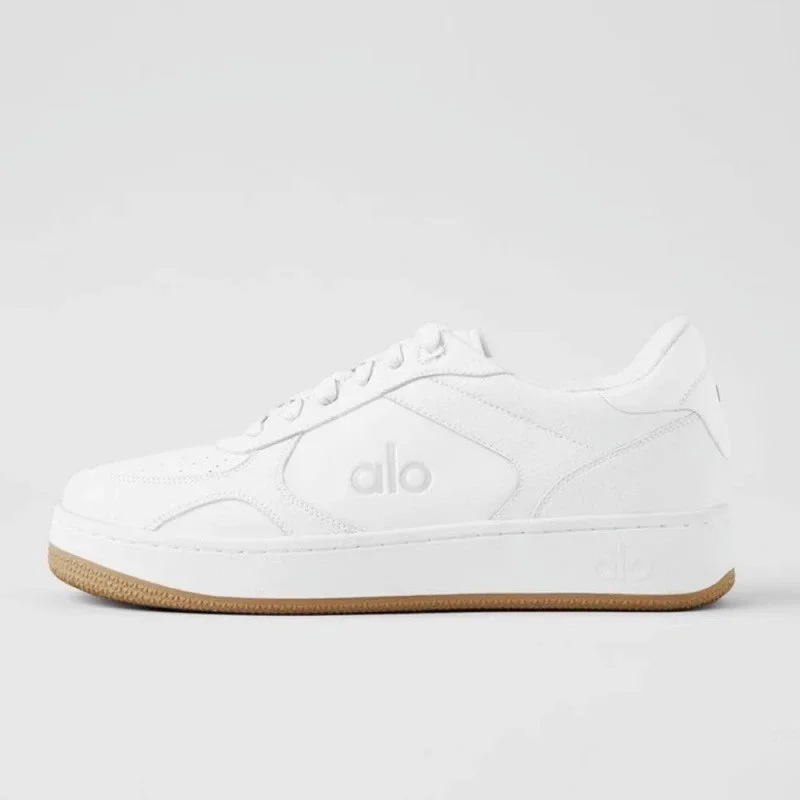
Save the colour option and ask for views that help you compare both shoes: left and right profiles, fronts, heels, soles and size labels where available. Use the same checklist for each candidate rather than judging one shoe from a close-up and another from a distant photo.
Warehouse photos can document the order that arrived, while a catalogue image represents a listing. Keep these two records separate. If the chosen colour or size differs from what you recorded, raise that specific discrepancy before planning dispatch.